

All scenarios/ Small business
Duplicates, canonicals and parameters on an online shop
Catalogue filters, sorting and ad tags multiply the addresses: one category lives under dozens of URLs. Some have a canonical, some do not, and some canonicals point at noindex pages or at redirects. Search engines spend their time on copies, and the wrong version gets indexed.
- Who
- Shop owner or marketer, an outsourced SEO
- Site
- A catalogue with filters, sorting and paginated lists
- What hurts
- Category copies in search, the wrong pages indexed, crawl budget spent on parameters
- What you need
- A list of duplicates, the broken canonicals and a decision on which parameters to cut
Steps in Molfar
Crawl the parameters as they are first
In Crawl scope, "URLs with parameters" has three options: crawl as found, remove the parameters, or skip such addresses. Make the first crawl "as found": it shows how many addresses the filters really create, and only then is it worth cutting them. The cut can be selective: with "Crawl as found", "Parameters to remove" takes out only the parameters you name (sort or sessionid, say) and keeps the rest.
Settings · Crawl scope — docs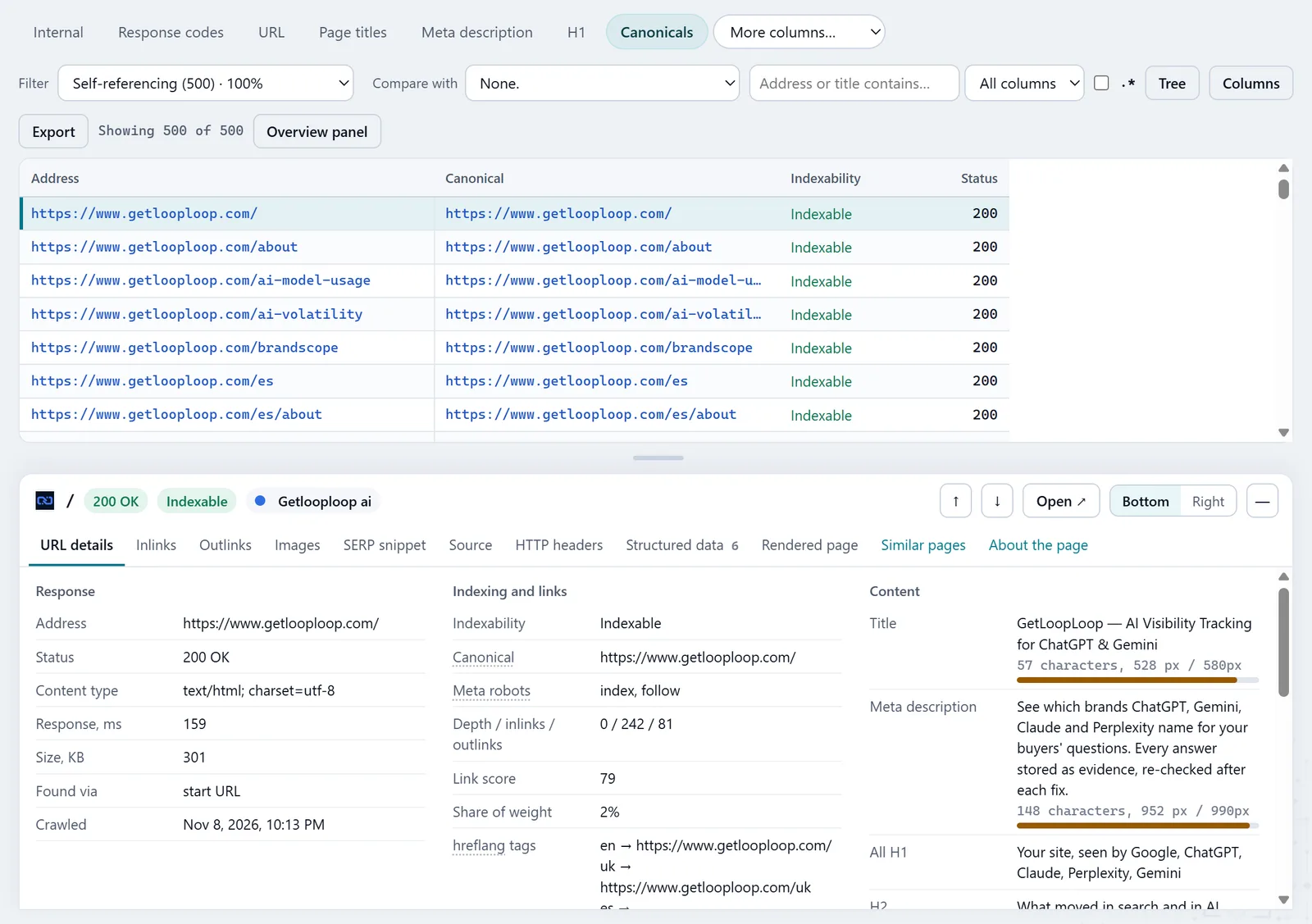
In the screenshot: Duplicates and canonicals Count the addresses with parameters
The Parameters filter in the URL tab shows every address with a query string. Sort by address and the repeats become obvious: the same products in another order, the same category with an empty filter.
URL — docsIn the screenshot: Duplicates and canonicals Find the duplicates
In the Content tab, "Exact duplicates" groups pages with the same visible text. "Near duplicates by text" finds pages that share 90% or more of their text word for word, like product pages that differ only by a colour or a size, and the column "Closest page by text" names the pair. "Near duplicates by meaning" finds pages that say the same thing in other words; copies under tracking tags, translations and pages of one paginated list are left out.
Content — docsIn the screenshot: Duplicates and canonicals Check the canonicals
The Canonicals tab splits pages into self-referencing, canonicalised to another URL, and missing. The filter that matters most is "Points to a non-indexable URL". Reports › Canonical problems explains each: the target was not crawled, redirects, does not answer 200, is noindex, or leads on down a chain.
Canonicals — docsIn the screenshot: Duplicates and canonicals Look at the pagination
If the catalogue has lists that run over several pages, the Pagination tab finds pages 2+ canonicalised to page one or set to noindex: that way the products on later pages can drop out of the index. The rel=next/prev filters show broken chains. Google has not used rel=next/prev since 2019, so those filters matter for other search engines and for a tidy template, not for Google.
Pagination — docs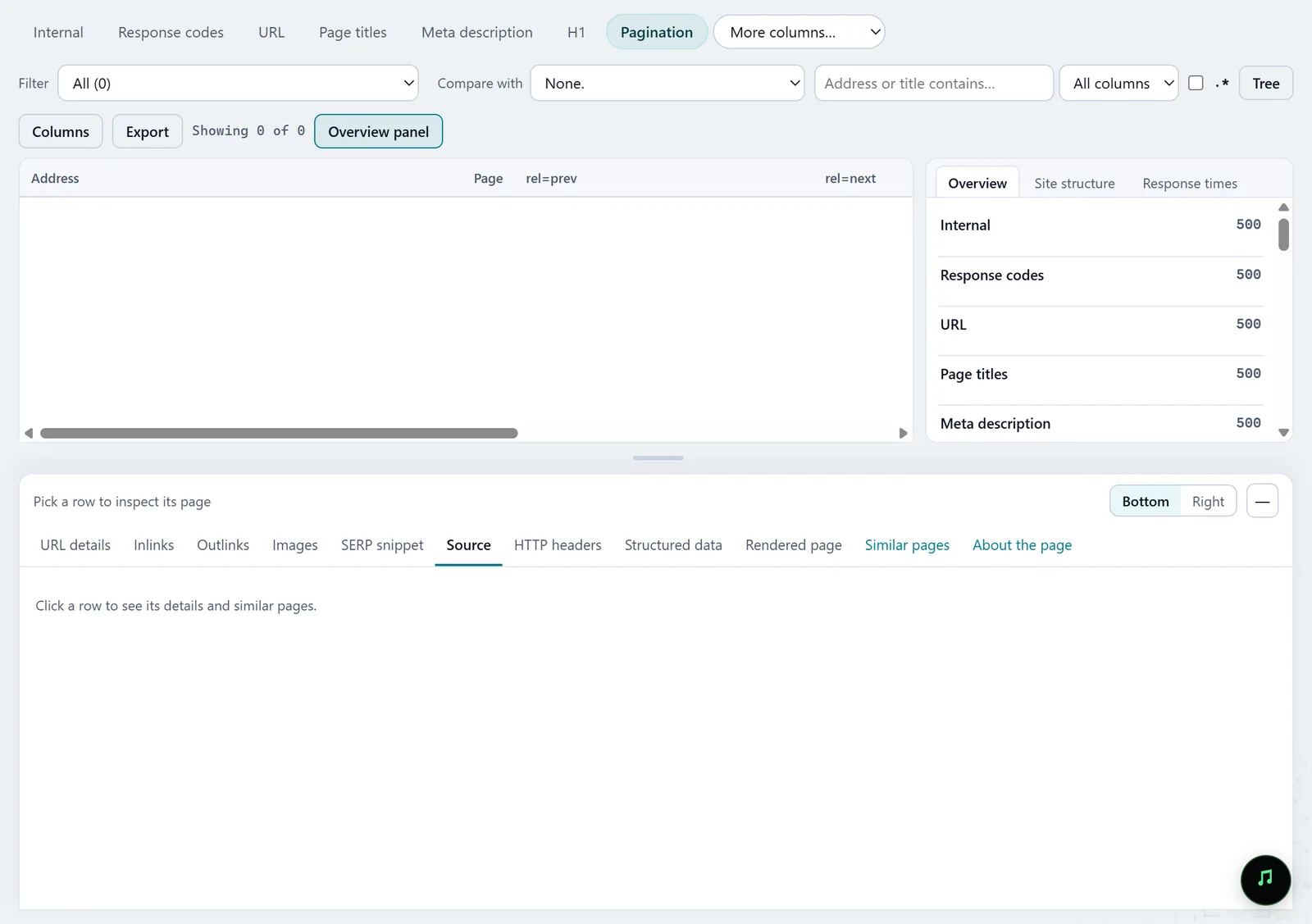
In the screenshot: Pagination tab Cut what is extra and check
Once you have decided — canonical to the clean category, noindex for sort orders, parameters out of the crawl — crawl again and compare in History: how many addresses are gone, and whether canonical and indexability changed where you meant them to.
History — docs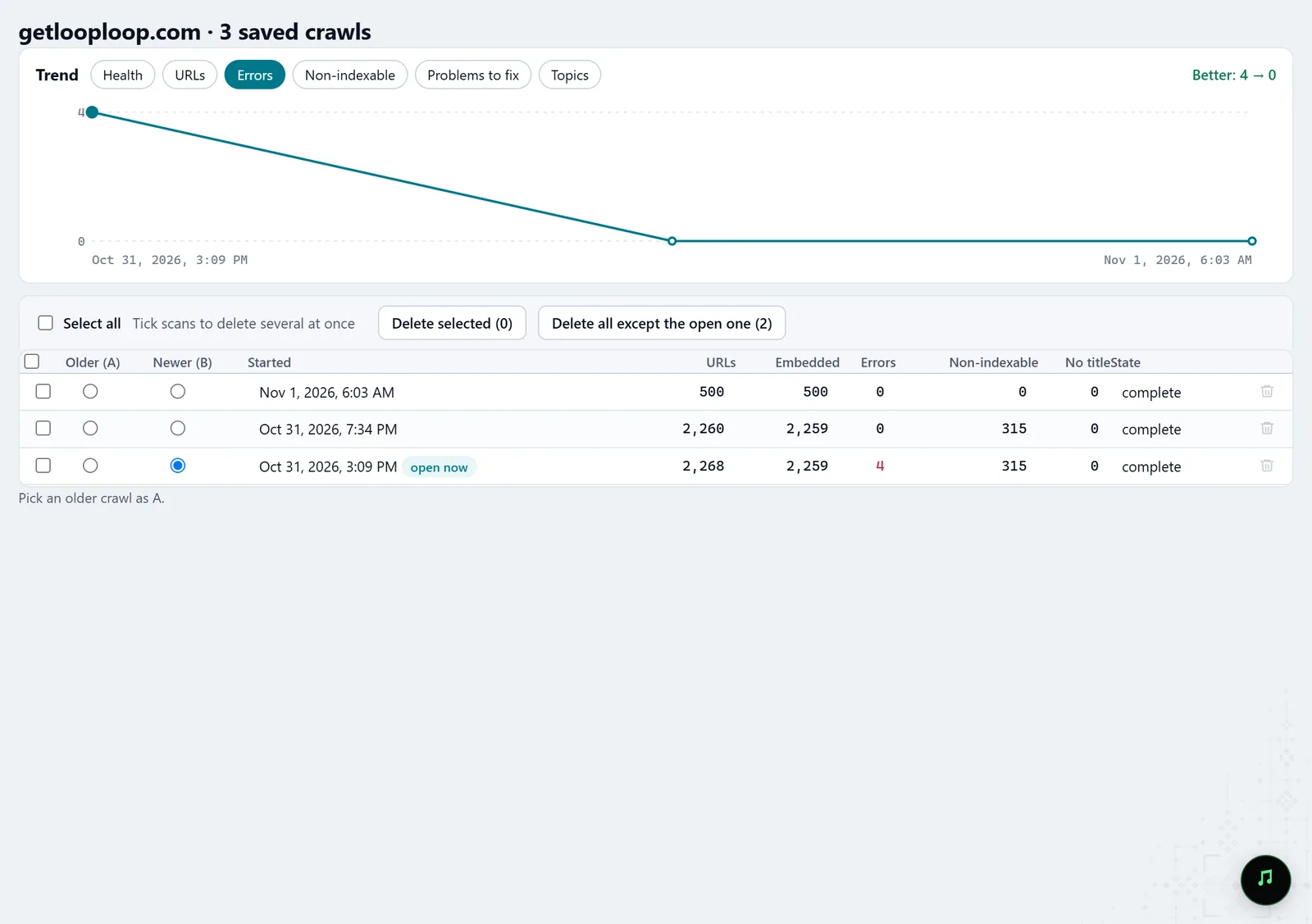
In the screenshot: Crawl history
What you get
A map of parameters
Which filters and sort orders create addresses, and how many.
Duplicate groups
Exact copies and pages that say the same thing, with the one to keep.
Broken canonicals
Every canonical that points at a redirect, an error, a noindex page or a chain.
Good to know
- "Parameters to remove" works with "Crawl as found" only; "Remove the parameters" and "Skip them" still apply to every parameter at once.
- Molfar recognises tracking tags (utm and the like) itself and does not count such copies as duplicates by meaning.
- "Near duplicates by meaning" needs embeddings. "Near duplicates by text" does not, but it is computed only for pages crawled by Molfar 0.9.35 or later: an older crawl has to be run again.
- Some tabs may be locked on your account; the lock on the tab says what opens it.
Questions
- Canonical or noindex on filter pages?
- Molfar shows what is there now and where it leads; the choice depends on whether the filter has search demand of its own. A filter people search for often deserves its own page with its own text.
- Will Molfar find copies on other domains?
- No, duplicates are looked for within one crawl.
- What about pages that duplicate each other in meaning?
- The cannibalization scenario goes deeper: groups are compared passage by passage and checked against Search Console.