

All scenarios/ Small business
A shop after a redesign: find what broke before sales drop
You moved to a new theme or a new platform. The home page looks great, but a week later orders are down and nobody knows why. The cause is usually dull: some product pages return 404, old addresses were never redirected, and catalogue filters are suddenly open to indexing.
- Who
- An online shop's owner or marketer
- Site
- Catalogue, product pages, filters, a blog
- What hurts
- Orders fell after a release, cause unknown
- What you need
- A list of what broke, with URLs, for the developer
Steps in Molfar
Crawl the site before the release
If the release is still ahead, run a full crawl now: it becomes your baseline. If the release already happened but you have an older crawl in Molfar, that crawl is your baseline.
Overview — docs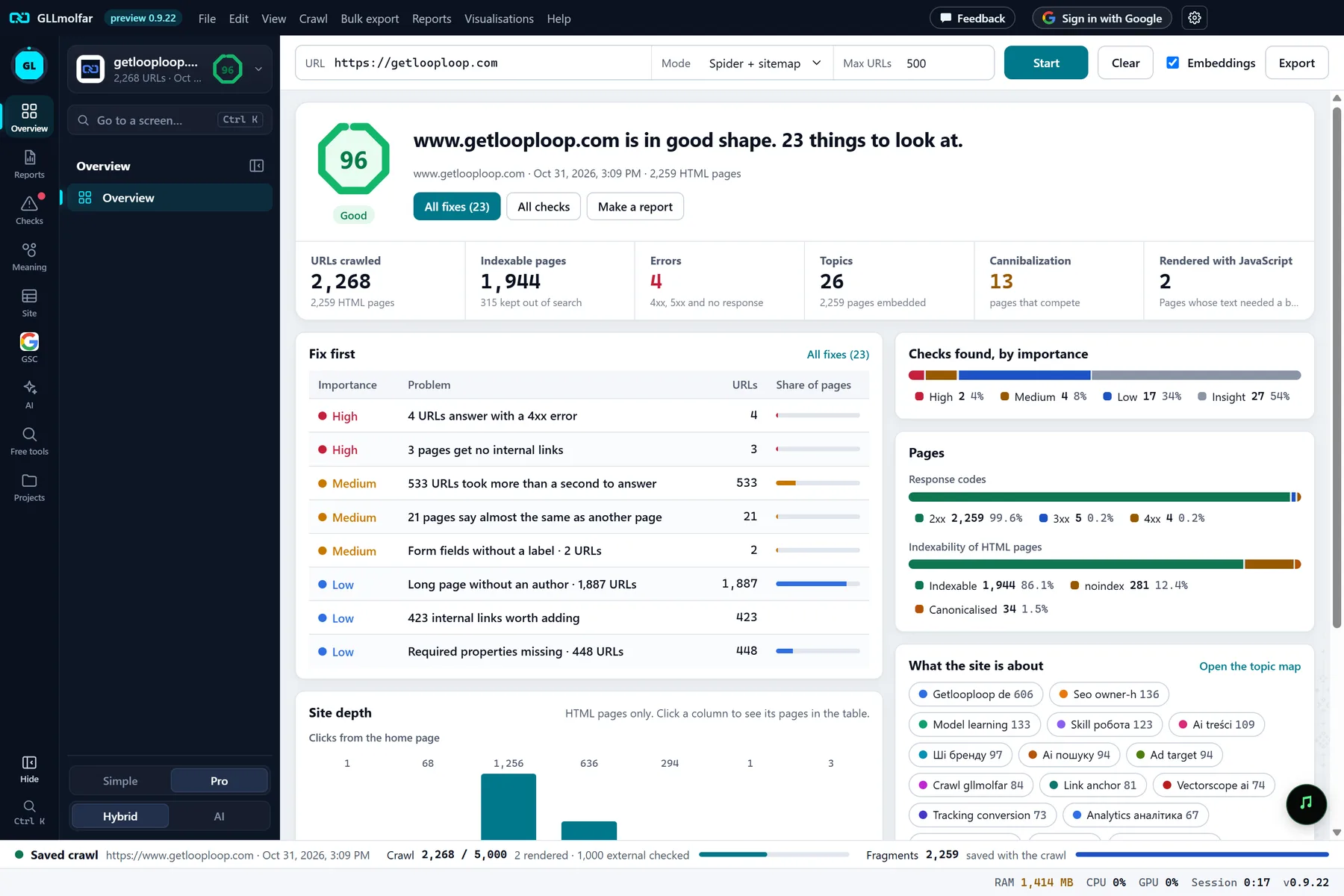
In the screenshot: Overview after a crawl Re-crawl + find new
After the release, run the Re-crawl + find new mode. Molfar first asks for every address of the last crawl, so a page that is gone shows up as a 404 it saw, not as a page the crawl simply never reached.
Crawl — docs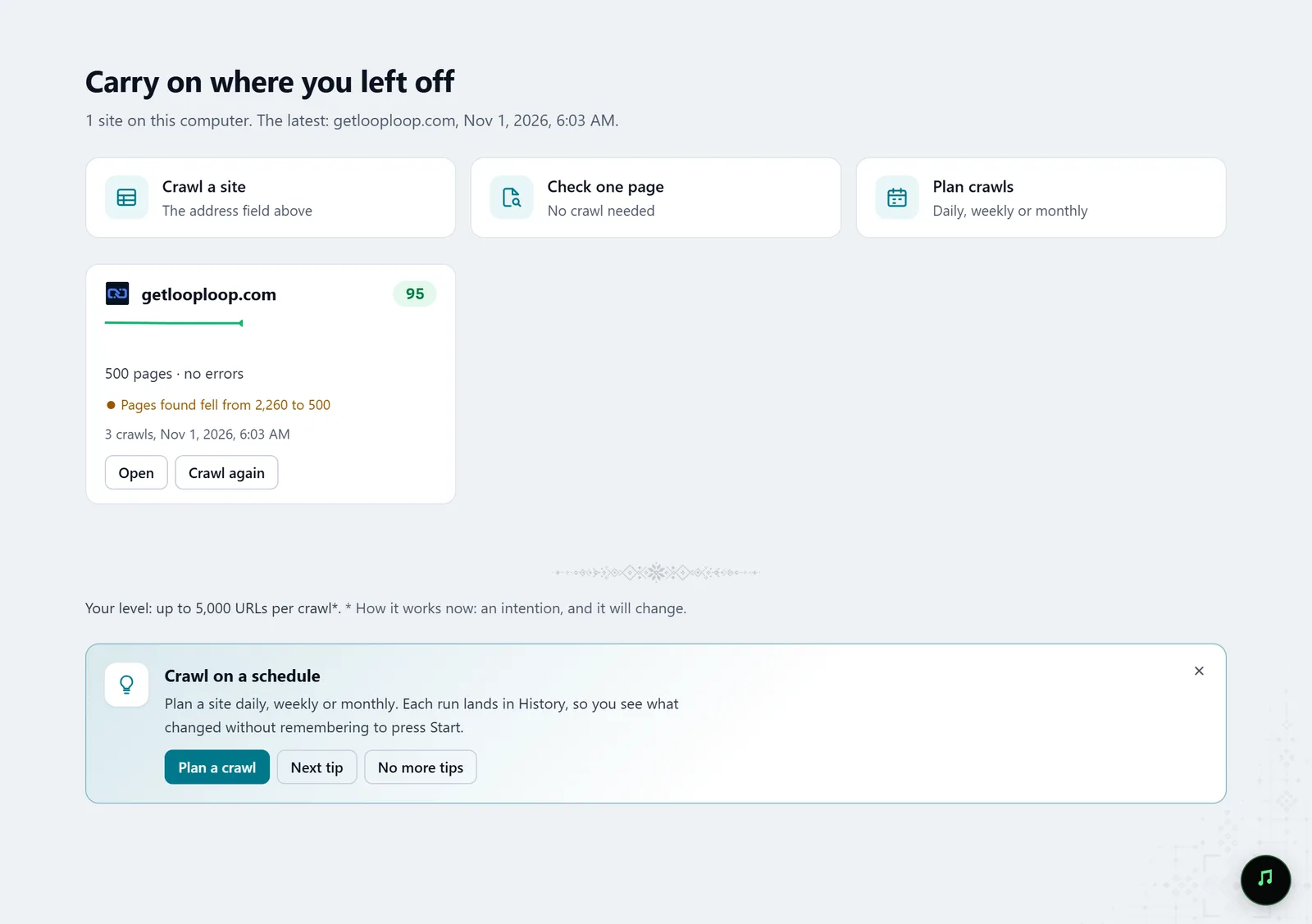
In the screenshot: Starting a crawl Compare the two crawls
In History, pick the older crawl as A and the newer one as B: Molfar compares them page by page and check by check. The Release check report in Reports answers one question: what changed since the last crawl, and did the release break anything.
History · Reports — docs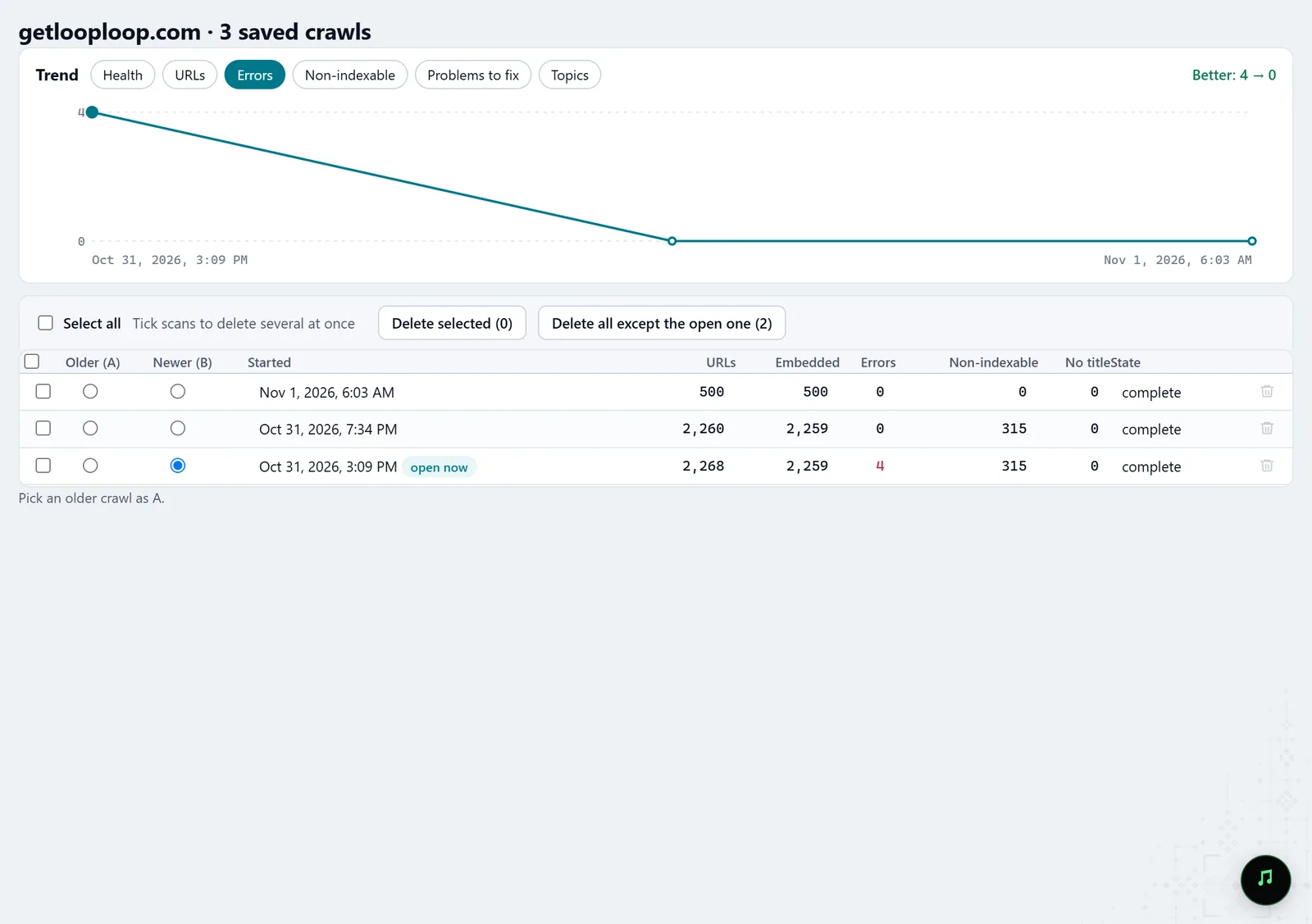
In the screenshot: Crawl history Check what Google says
Connect Search Console. Lost clicks shows the pages that lost a noticeable share of their clicks over the last 28 days, the reason the numbers point at, the queries they lost, and what the crawl found on those pages.
GSC · Lost clicks — docs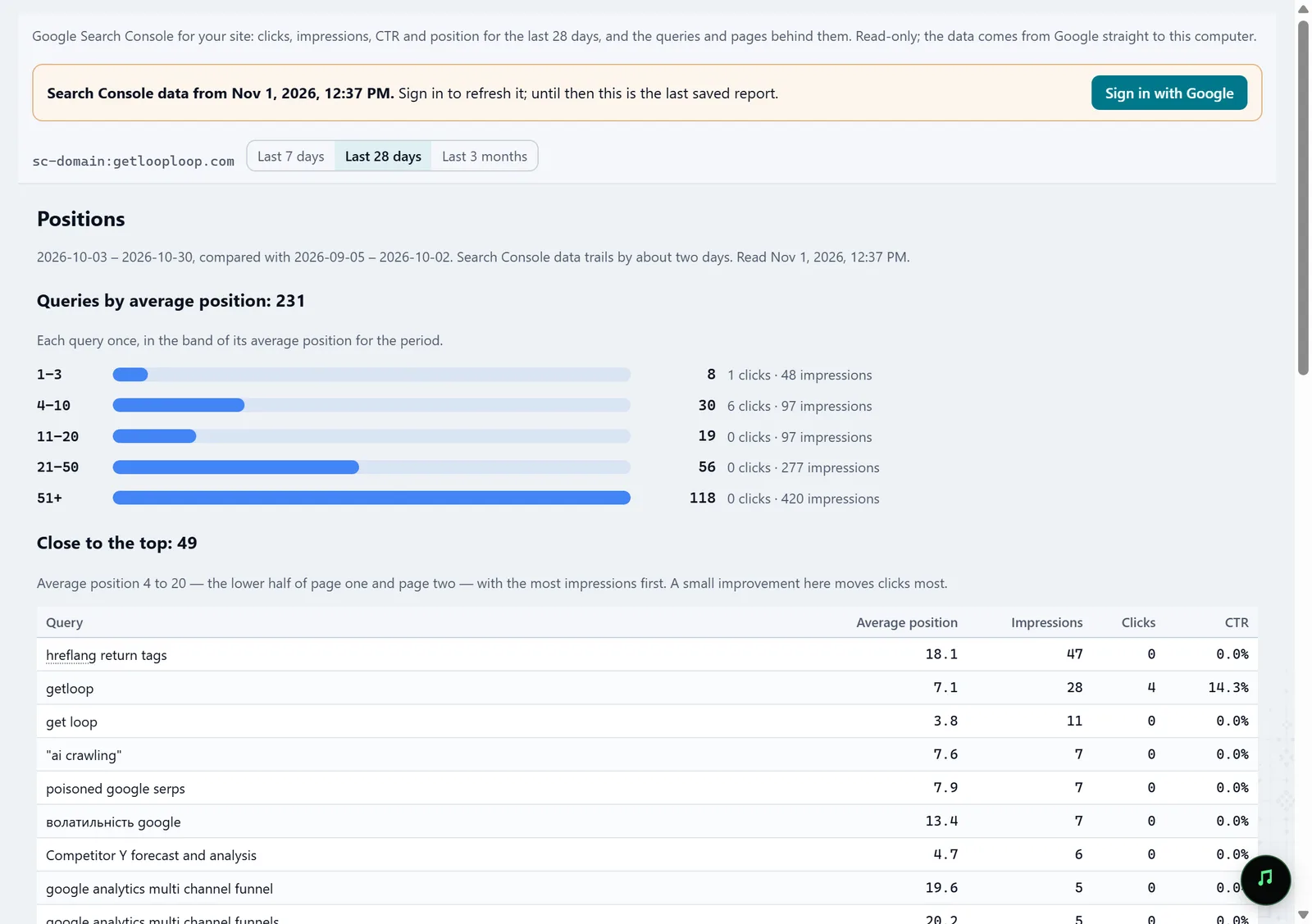
In the screenshot: Search Console Fix in batches
Batch fixes groups problems by the one place that fixes many pages at once: a server setting, the shared layout, a page template. Your developer gets a few causes instead of a thousand rows.
Batch fixes — docs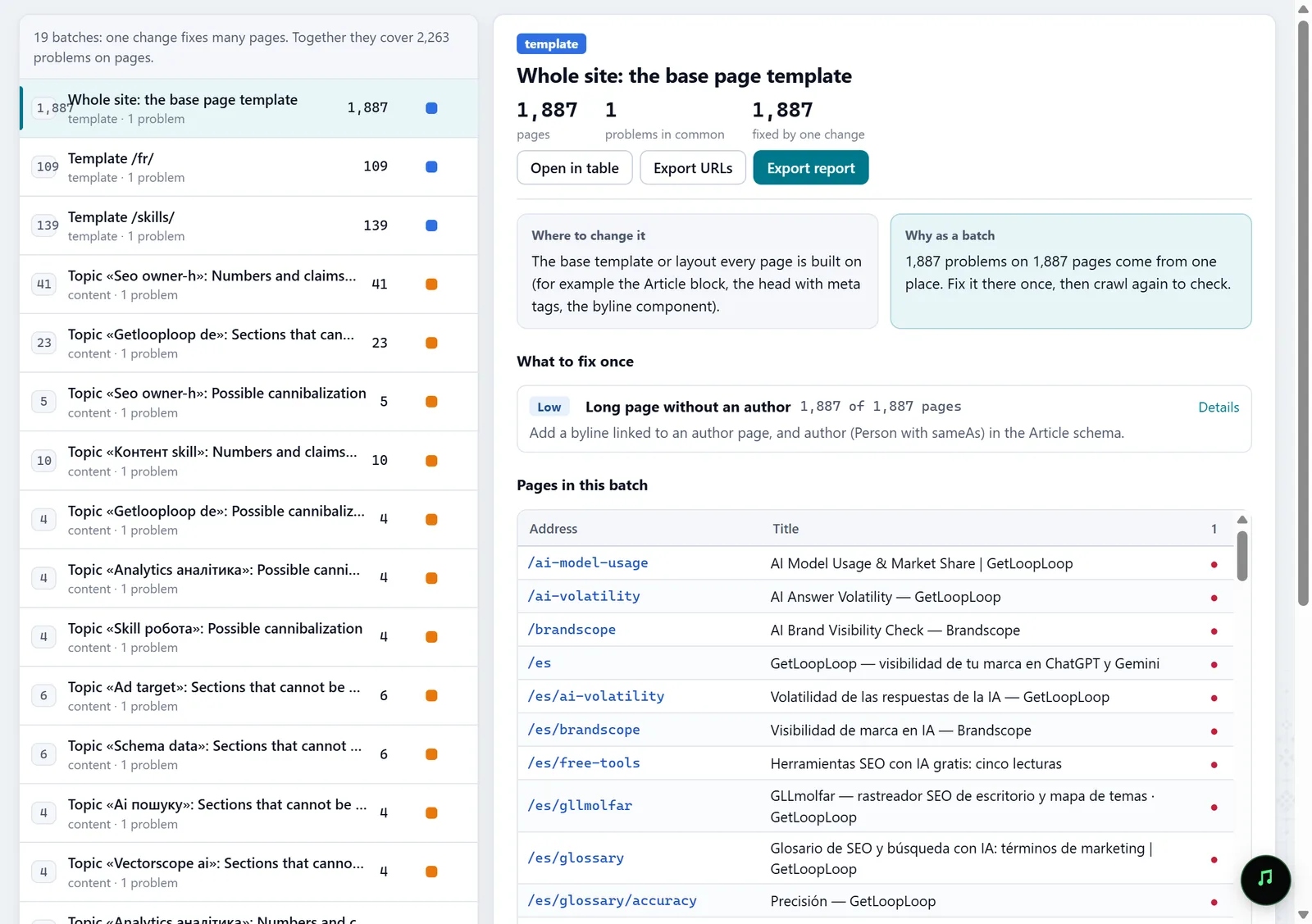
In the screenshot: Batch fixes Schedule the next crawl
In Schedule, a crawl runs on its own, once or on repeat, so the next one has something to compare against before a breakage reaches your sales.
Schedule — docs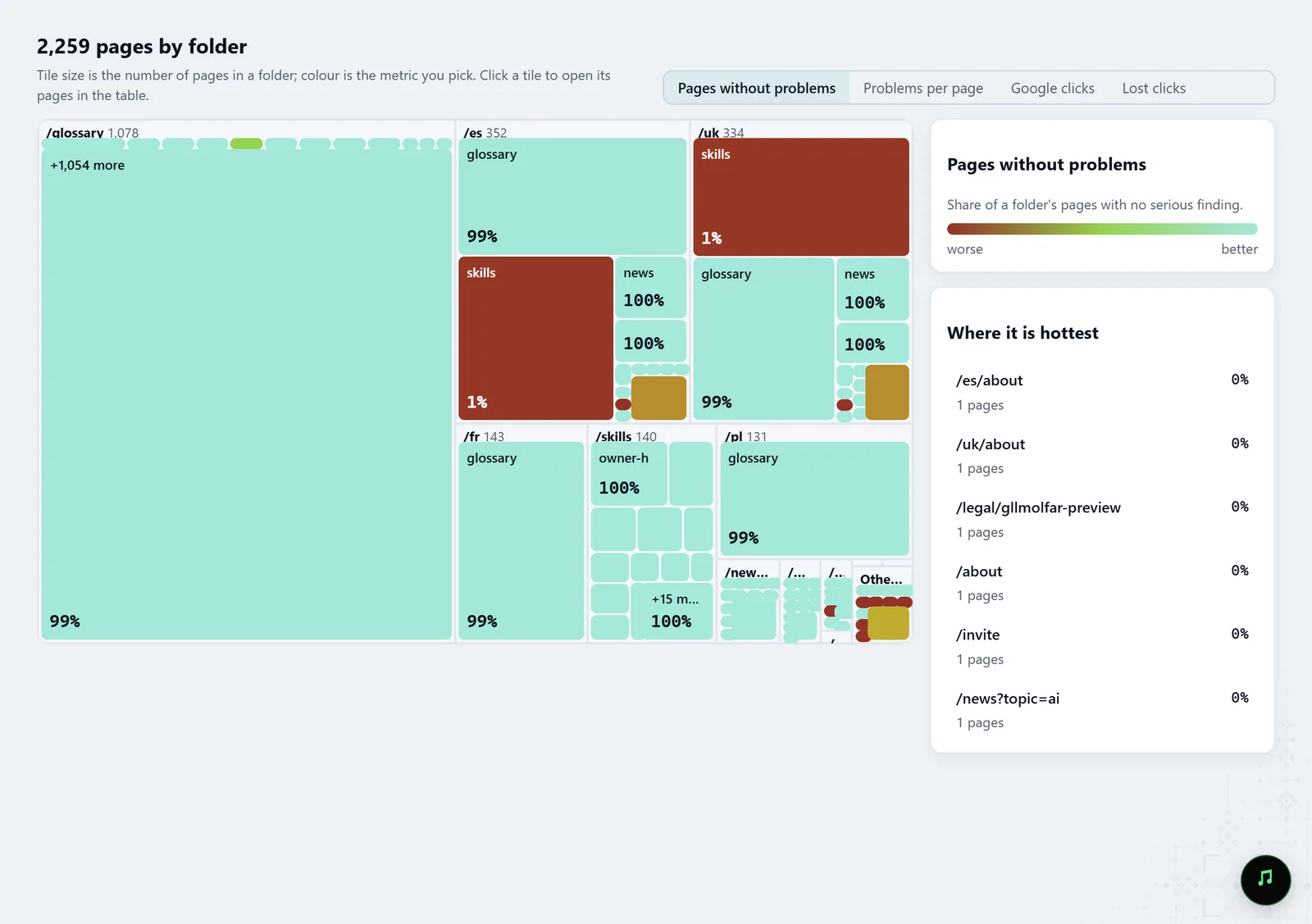
In the screenshot: Heat map of sections
What you get
A list of what broke
Missing pages, 404s and redirects that lead nowhere, with their URLs and the pages that link to them.
Tasks for your developer
Fixes grouped by template or server, each saying what to change once and which pages it covers.
The link to clicks
Which of the breakages already cost Google clicks, from your own Search Console data.
Good to know
- The comparison holds only when both crawls covered the site: a smaller crawl after a big one shows as a partial check, not as lost pages.
- Search Console reports with a delay of a few days, so a fresh release may not show there yet.
Questions
- I have no crawl from before the release. What now?
- Crawl now and look at 404s, redirects and indexability in Overview and the Fix list. Lost clicks from Search Console shows which pages changed for the worse.
- Do I need a developer to run this?
- No. A crawl starts from one address. You will need a developer to fix what it finds.
- Does my shop's data go anywhere?
- No. Crawls and their results stay on your computer.