

All scenarios/ Developer
Claude Code finds and fixes SEO problems over MCP
Your site is code in a repository, and an AI agent already works on it: Claude Code, Codex or another. It writes code well but does not know what is broken on the live site. Molfar gives the agent eyes: a real crawl, a fix list and the URLs where each problem is.
- Who
- A developer or SEO who works with an AI agent in the editor
- Site
- A site whose code lives in your repository
- What hurts
- The agent edits code blind, with no data on the live site
- What you need
- One loop: find, explain, fix, verify
Steps in Molfar
Let agents use Molfar
In Settings › General, switch on "Let AI agents use Molfar on this computer (MCP)" — it is off by default.
Settings · General — docs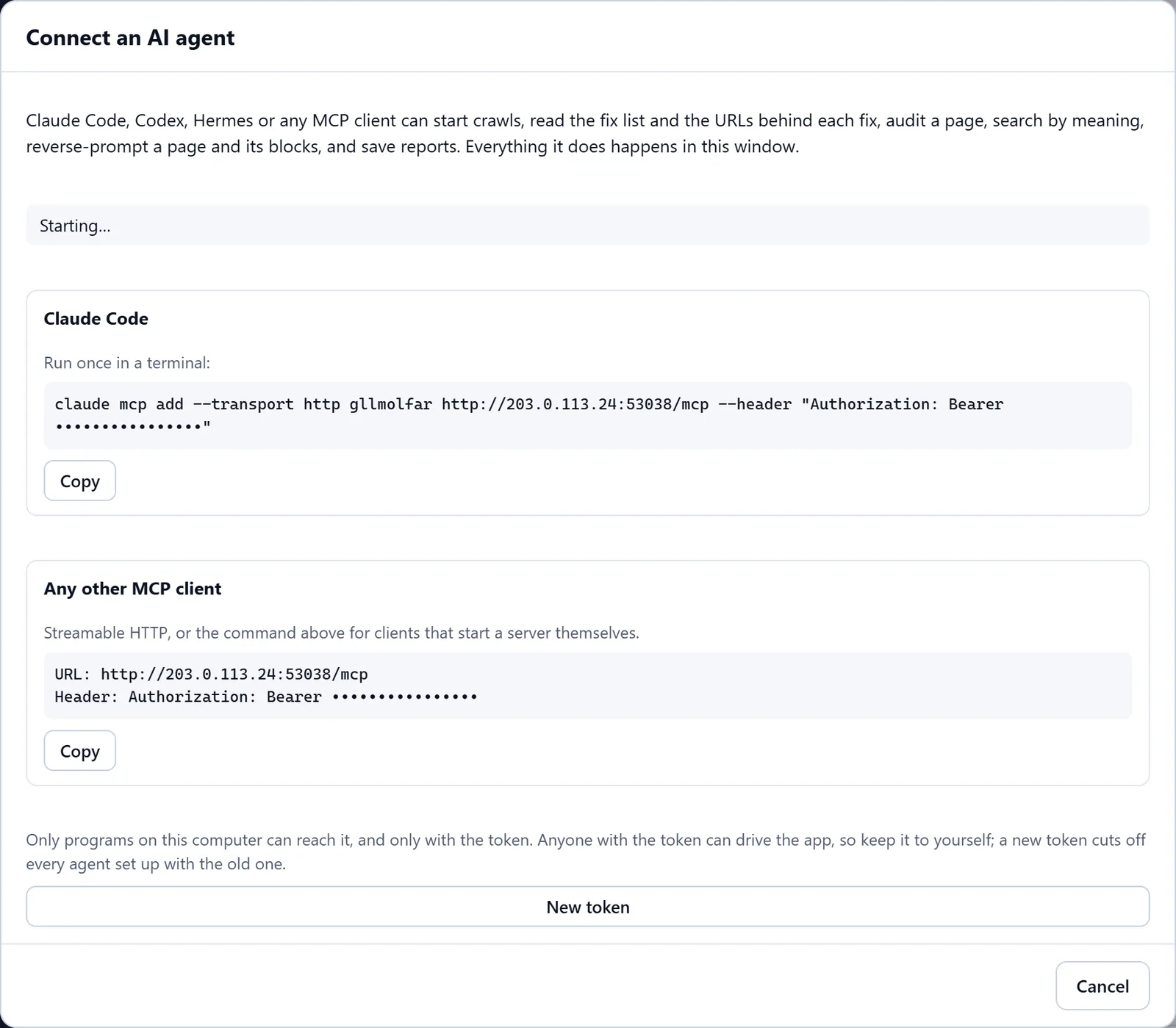
In the screenshot: Connecting an AI agent (MCP) Connect the agent
"How to connect an agent…" gives a ready block for Claude Code, Codex or Hermes. Only programs on this computer can reach the server, and only with the token; a new token cuts off every agent set up with the old one.
MCP — docsIn the screenshot: Connecting an AI agent (MCP) The agent crawls the site
The agent starts a crawl and waits for it to finish. It all happens in Molfar's open window, where you see what it does.
Crawl — docs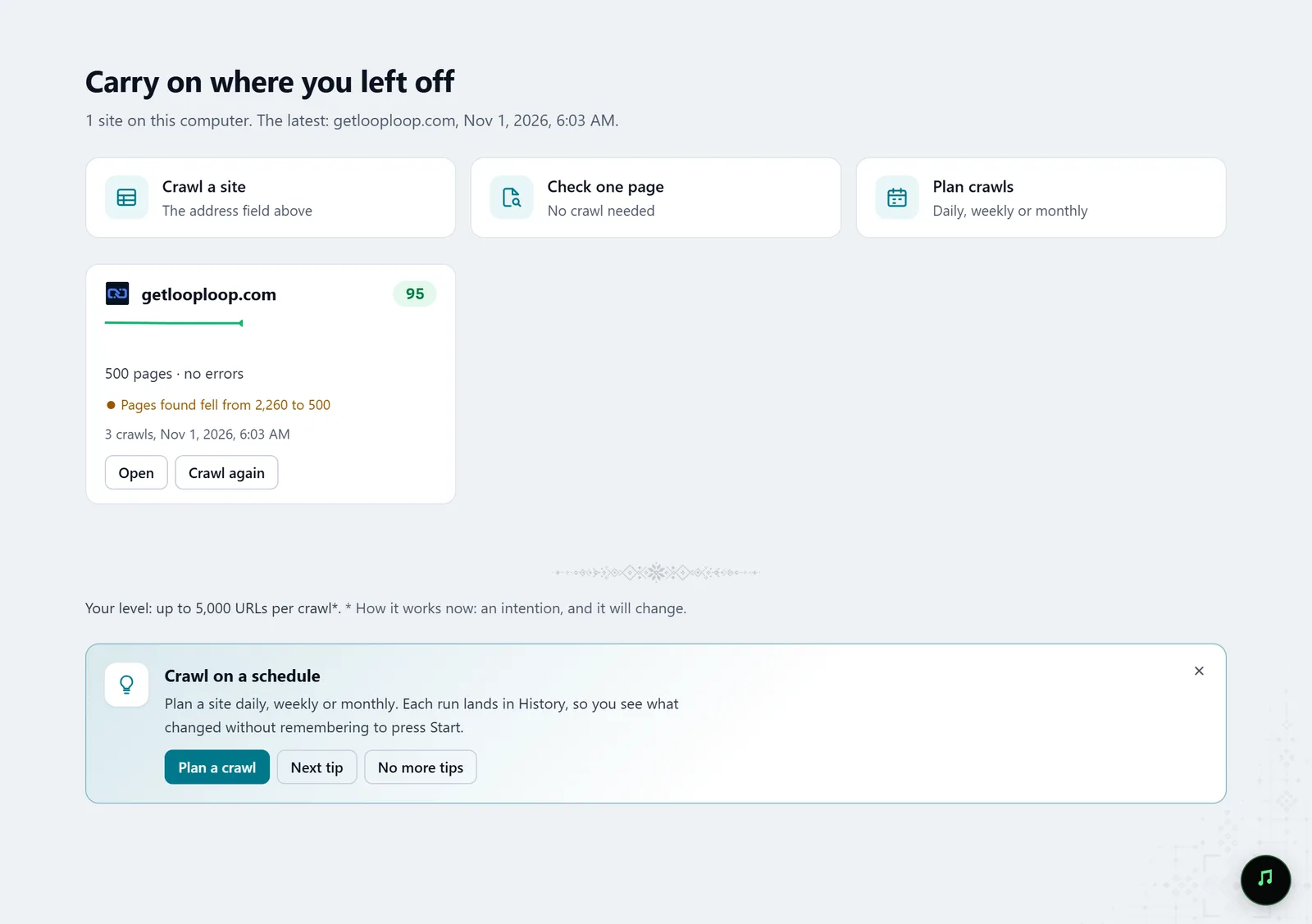
In the screenshot: Starting a crawl The agent reads the fixes
The agent takes the fix list, the URLs behind each fix — for broken links and redirects with the pages that link to them, the anchor and the position — and the explanation: what it is, why it matters, how to fix it and how to verify it.
Fix list — docs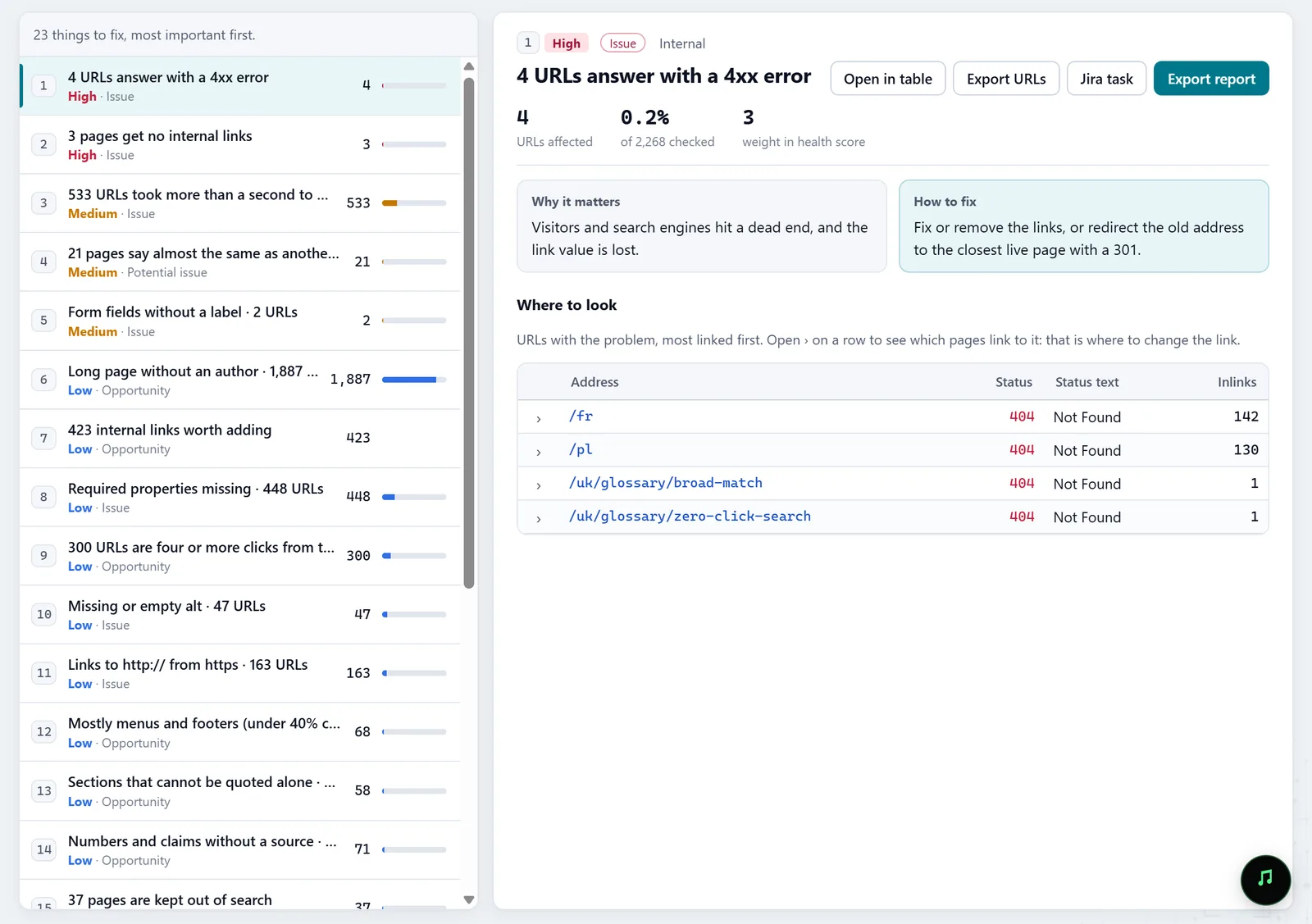
In the screenshot: Fix list It fixes the cause, not the symptoms
Batch fixes group problems by the one place that fixes many pages at once: a template, the shared layout, the server. One template change is enough instead of a hundred pages.
Batch fixes — docs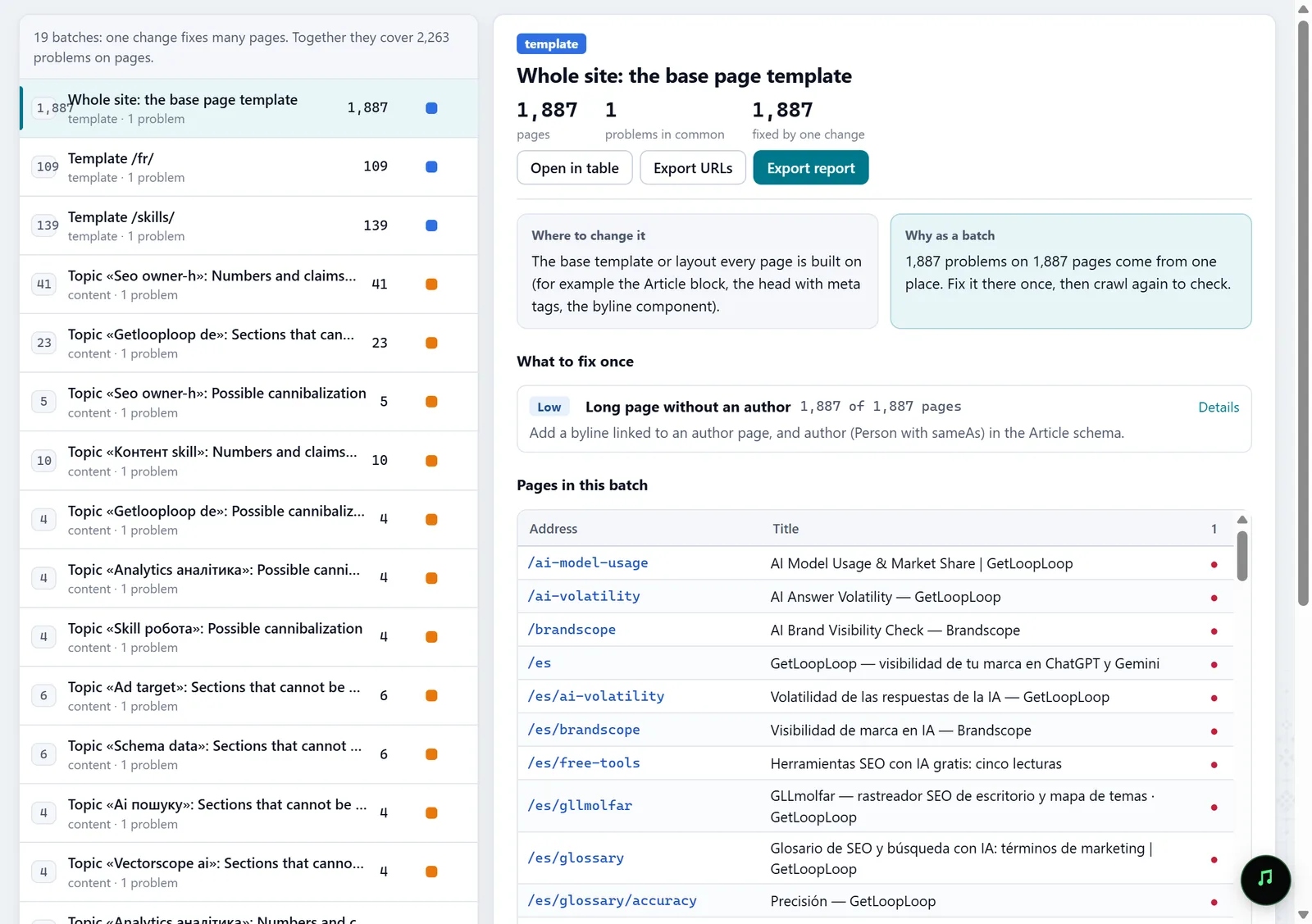
In the screenshot: Batch fixes Code changes only with your approval
The agent skills ask you before changing code or crawling someone else's site. When another team has to make the change, the agent writes the fix as a full Jira ticket in files — Molfar itself sends nothing to Jira.
MCP · agent skills — docsIn the screenshot: Fix list Verify after the fix
After the changes, the agent crawls the site again and compares the two crawls: which checks got better and which did not.
History — docs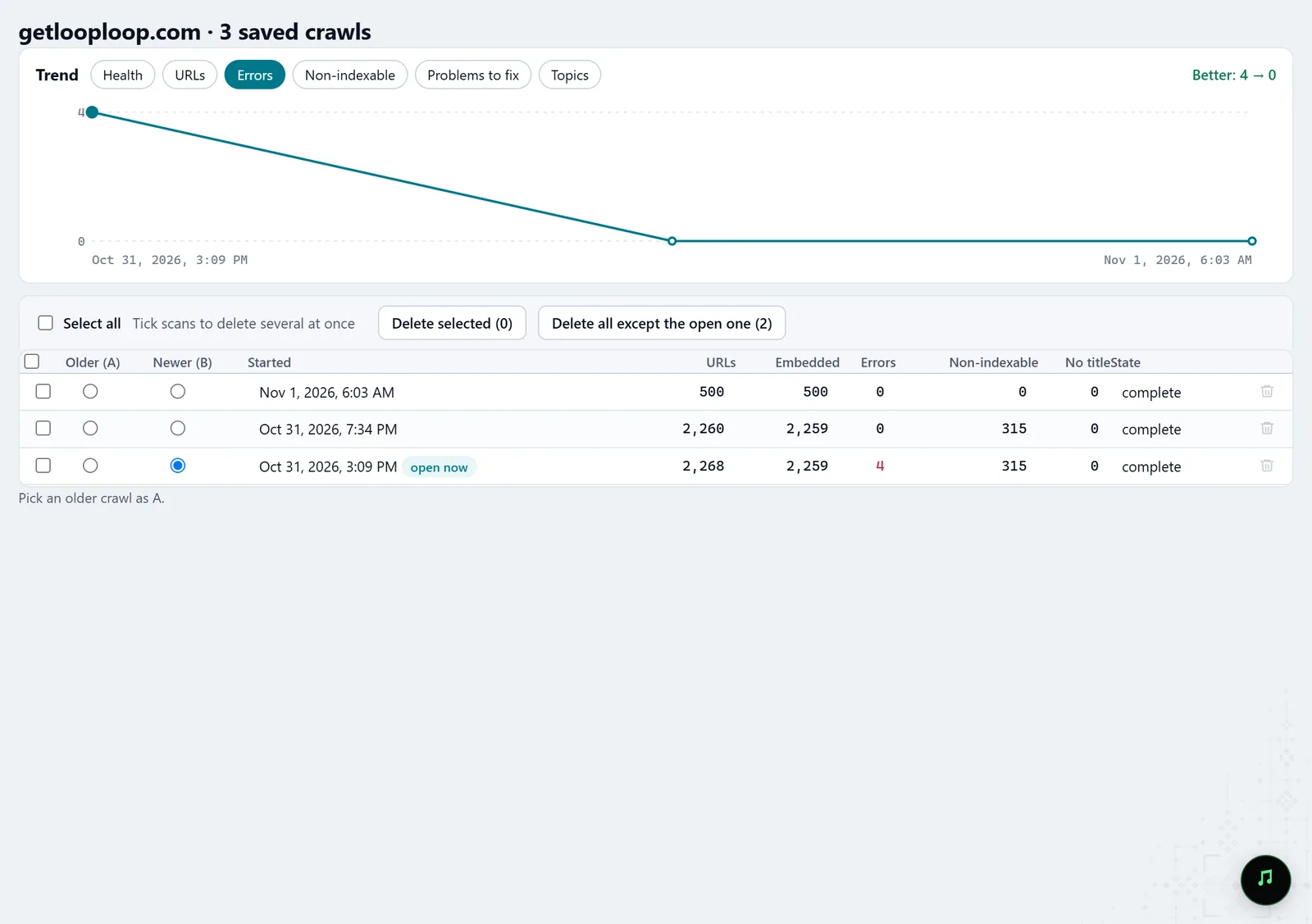
In the screenshot: Crawl history
What you get
Fixes in the code
Changes the agent prepares from real crawl data and makes once you approve.
Tickets for the team
Full Jira tickets with a description, steps and acceptance criteria — as files.
A verified result
A repeat crawl that shows what was really fixed.
Good to know
- The MCP server is off by default, and the switch may be locked on your account; the lock says what opens it.
- Anyone with the token can drive the app, so keep it to yourself. The agent sees only what you let it.
- A few MCP tools use the model connected in Settings › AI models; the server tells agents to call them only when you ask.
Questions
- Which agents are supported?
- Any MCP client on this computer. For Claude Code, Codex and Hermes the connect dialog gives a ready block.
- Can the agent change code without me?
- Molfar's skills are written so the agent asks before changing code. What it may do in your repository is decided by the agent's own settings.
- Where are ready-made recipes for the agent?
- Help › Agent skills… in the app, and the skills section on the Molfar page: each one can be copied for your own agent.