

All scenarios/ Developer
Check a release on staging before it ships
A release changes a template, the routing or the rendering — and a week later it turns out category pages got noindex, the canonical points at staging and some links lead to a 404. These are easy to catch before shipping if you compare the site before and after.
- Who
- Developer, team lead, QA, technical SEO in a product team
- Site
- An app or site with regular releases and a closed staging
- What hurts
- SEO regressions show only after traffic drops
- What you need
- A check before every release, without opening pages by hand
Steps in Molfar
Give Molfar access to staging
In Settings › Requests, set the Basic authentication user and password: every request carries an Authorization header. Extra headers, such as Accept-Language, go there too. Everything stays only in the settings file on this computer.
Settings · Requests — docs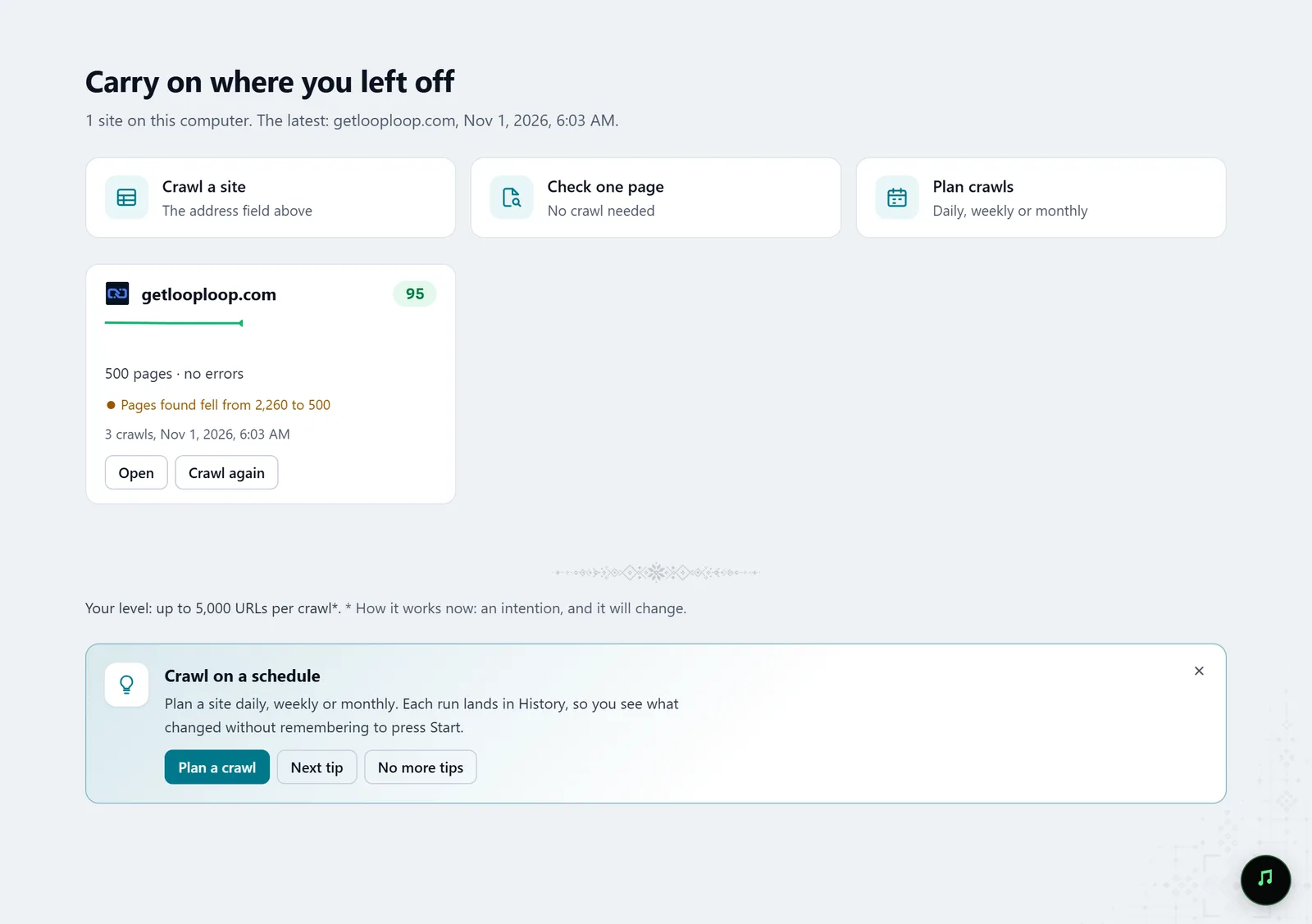
In the screenshot: Starting a crawl Set the crawl scope
Include and exclude patterns, depth, URLs with parameters and subdomains decide which addresses the crawl may visit — so you check exactly what the release touches.
Settings · Crawl scope — docs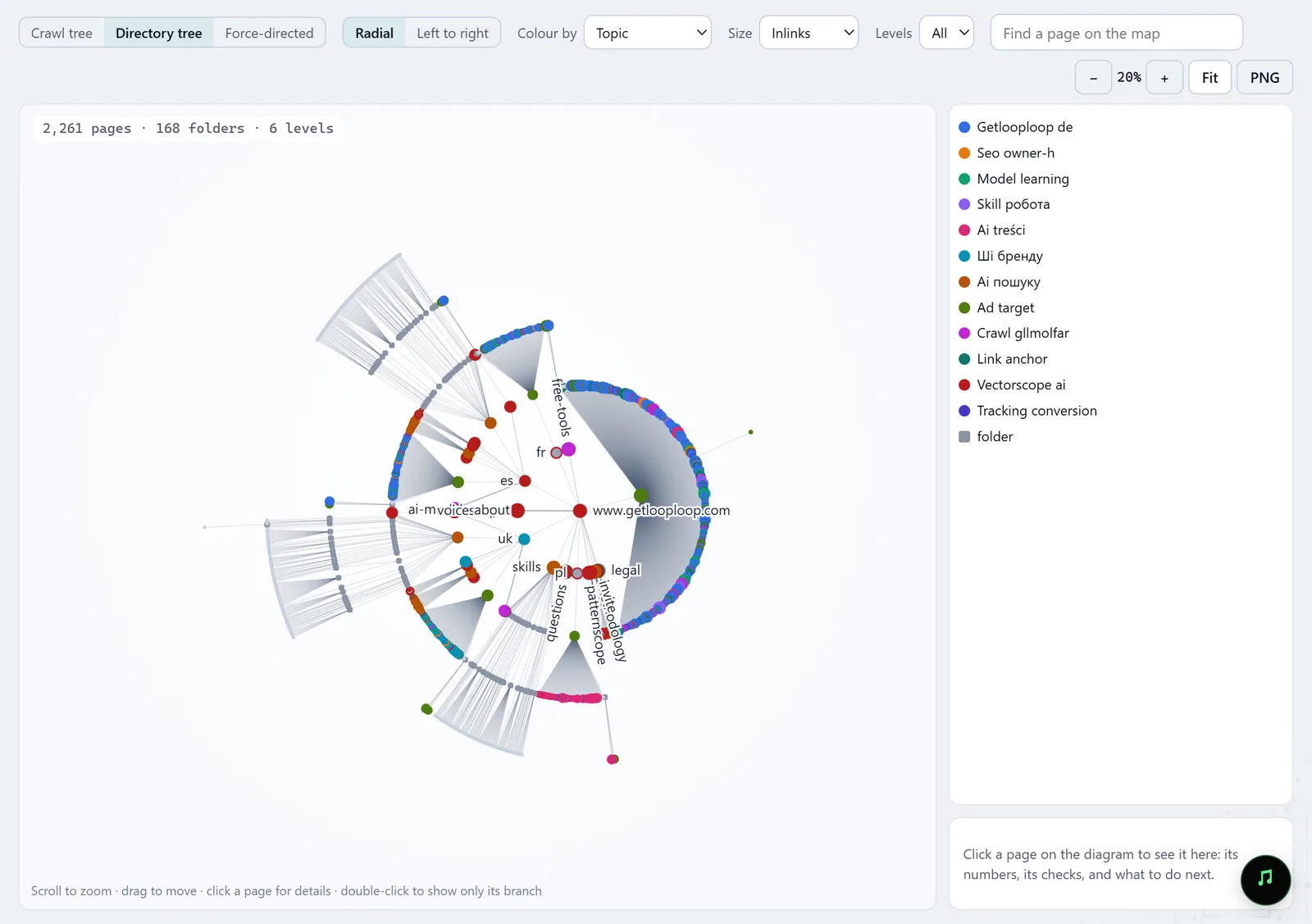
In the screenshot: Site structure Crawl staging before the release
The first crawl is the baseline. While it runs you see its stages, the robots.txt rules and the last pages read.
Crawl — docs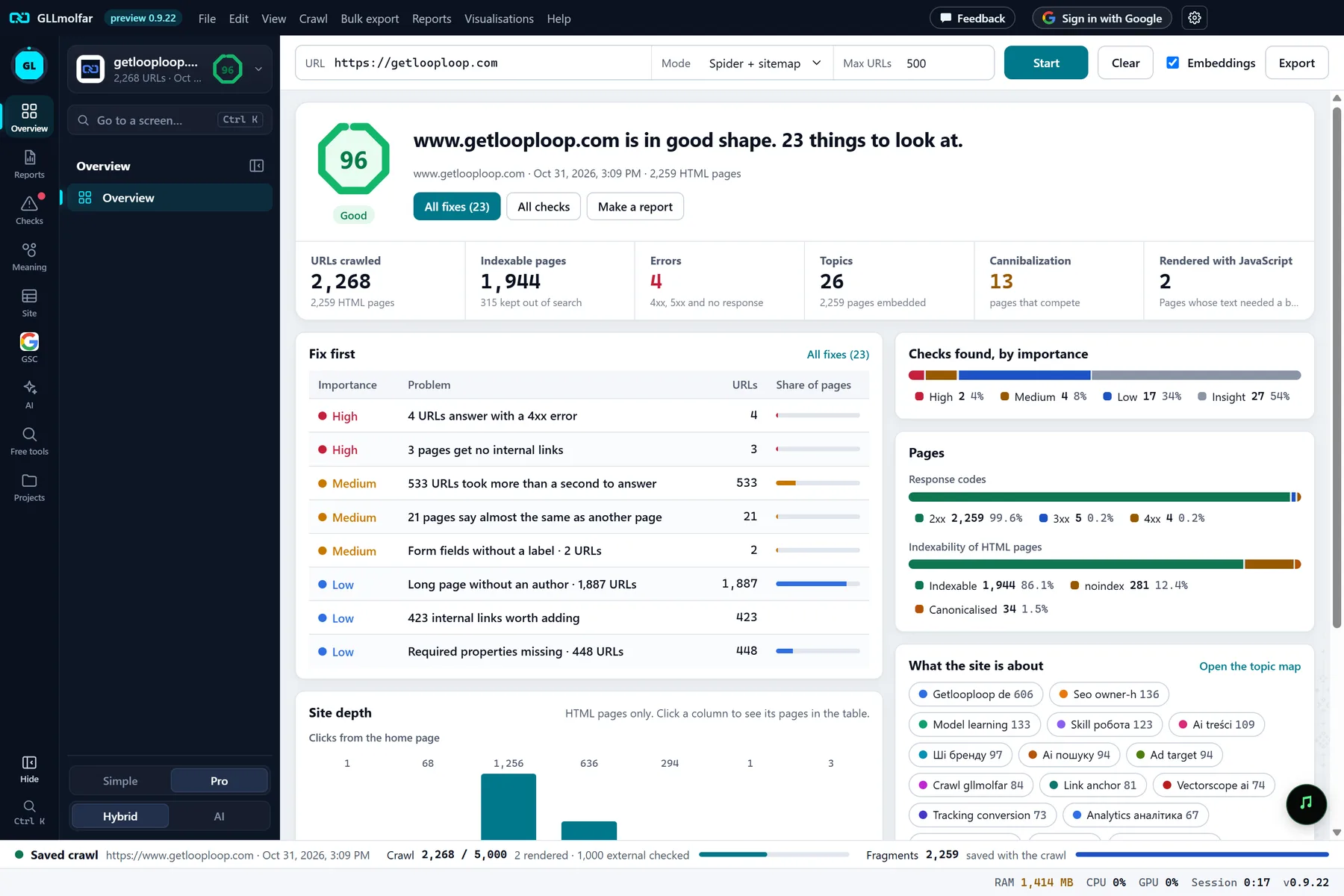
In the screenshot: Overview after a crawl After the release: the Release check report
When the release lands on staging, crawl it again. The Release check report answers what changed since the last crawl, and whether the release broke anything.
Reports · Release check — docs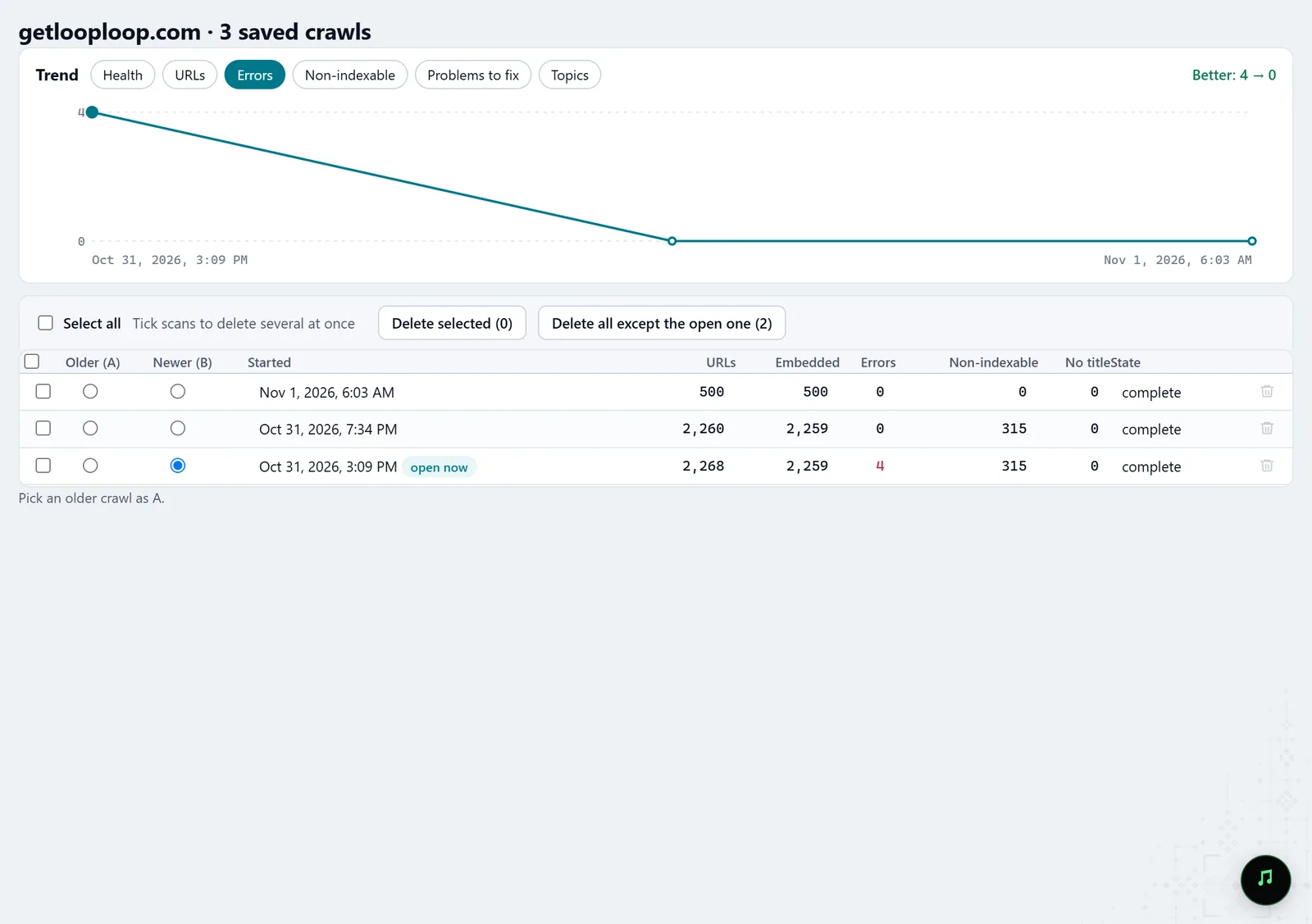
In the screenshot: Crawl history Go through the changes page by page
In History, pick the older (A) and newer (B) crawl: what changed in the compared fields, and which checks got worse.
History — docsIn the screenshot: Crawl history After the deploy, check the key pages
URL audit checks one address without a crawl: status, speed, what JavaScript changes in the title, canonical, meta robots and H1, and screenshots on desktop and as Googlebot smartphone.
URL audit — docs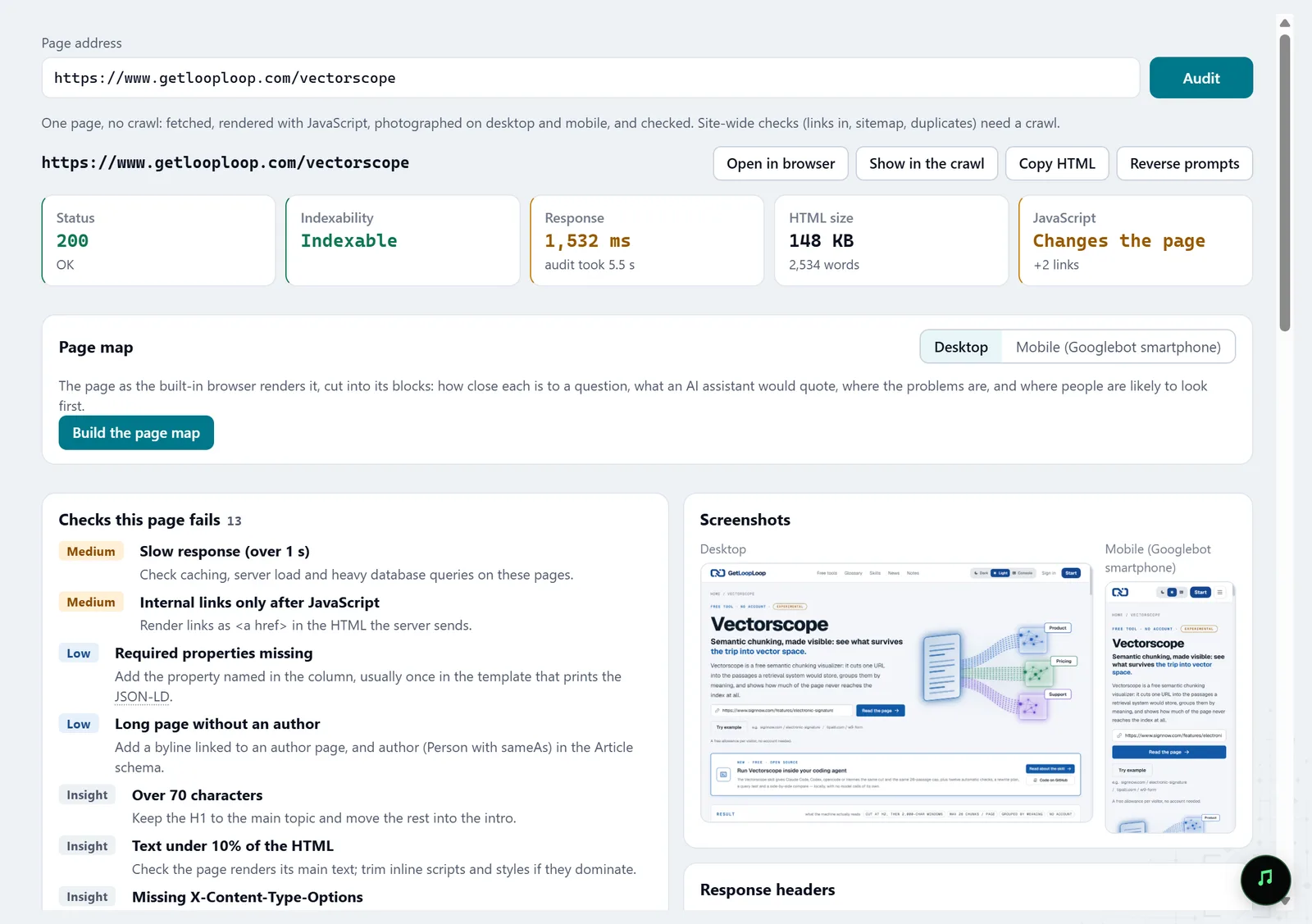
In the screenshot: URL audit Hand the check to an agent
Over MCP your AI agent can start a crawl, wait for it and compare two crawls — all in Molfar's open window, where you see every step.
MCP — docs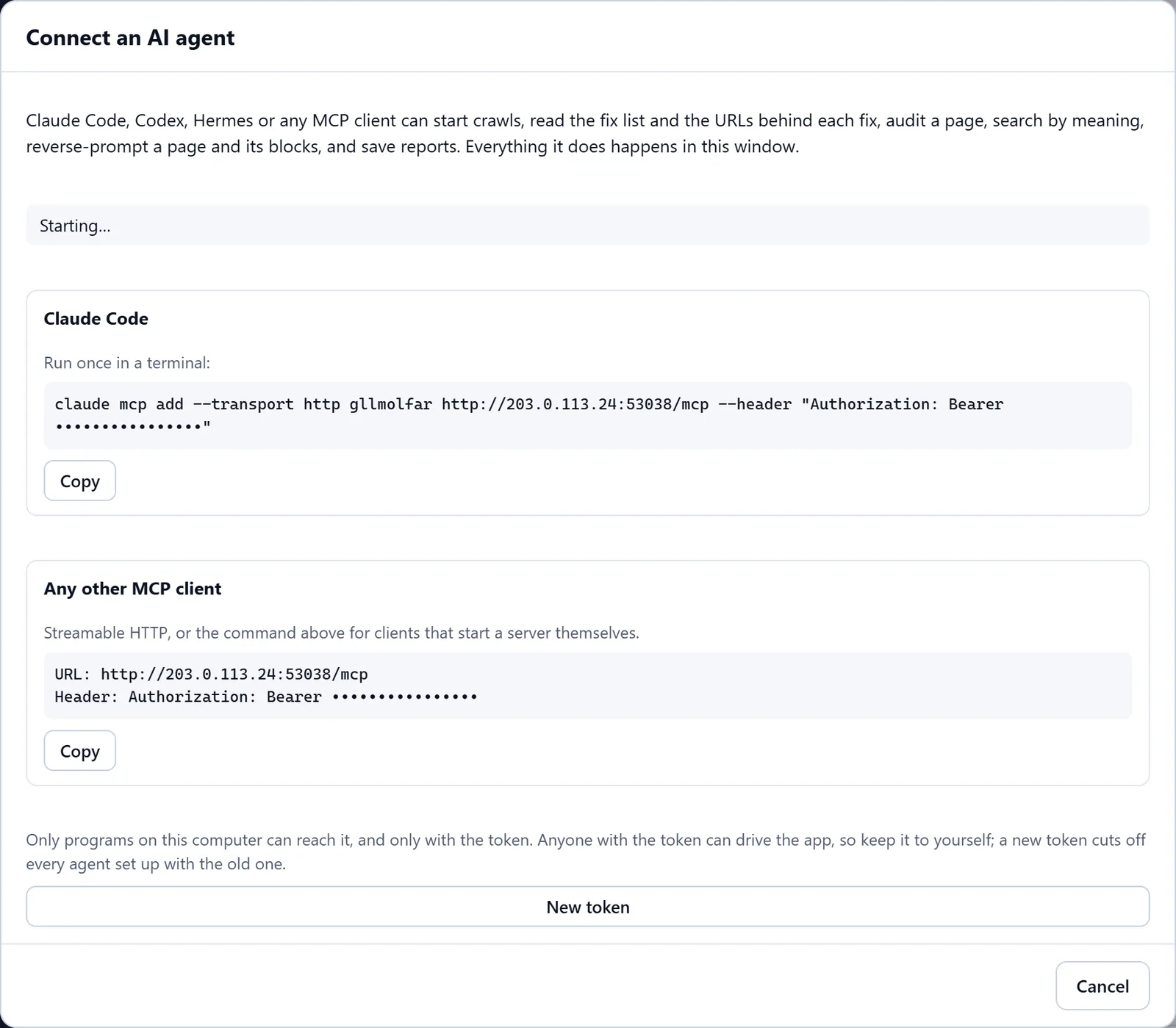
In the screenshot: Connecting an AI agent (MCP)
What you get
Regressions before shipping
What the release changed on staging, before Google saw it.
A against B
Changes page by page and the checks that got worse.
Control after the deploy
Key production pages checked one by one.
Good to know
- History compares crawls of one site: staging is compared with staging, not with production.
- Compare crawls of a similar size: a change in scope or limit between them also looks like a change in the site.
- The MCP switch may be locked on your account; the lock says what opens it.
Questions
- Our staging sits behind a VPN, not a password. Does it work?
- Molfar crawls from your computer, so it sees what your computer sees with the VPN on.
- Can this run in CI?
- Molfar is a desktop app, not a CLI for CI. An AI agent on your computer can run the check over MCP, though.
- Will the crawl touch production?
- Not if the crawl scope keeps it on staging. The request pace is set in the crawling settings.