

All scenarios/ Enterprise
Migrating a large site: every redirect checked before and after the move
The company is moving to a new domain or a new CMS. Tens of thousands of URLs, several languages, a security review and no room for mistakes: lost redirects mean lost traffic that takes months to come back.
- Who
- In-house SEO, technical SEO lead, migration team
- Site
- Tens of thousands of pages, several languages and subdomains
- What hurts
- Cloud crawlers do not pass the security review
- What you need
- A checked redirect map and control after launch
Steps in Molfar
Record the site before the move
A full crawl of the old site: every URL with its status, canonical, hreflang and internal links. The crawl scope sets subdomains and parameters, and Structure draws the site as a crawl tree, a directory tree or a graph.
Structure · Crawl scope — docs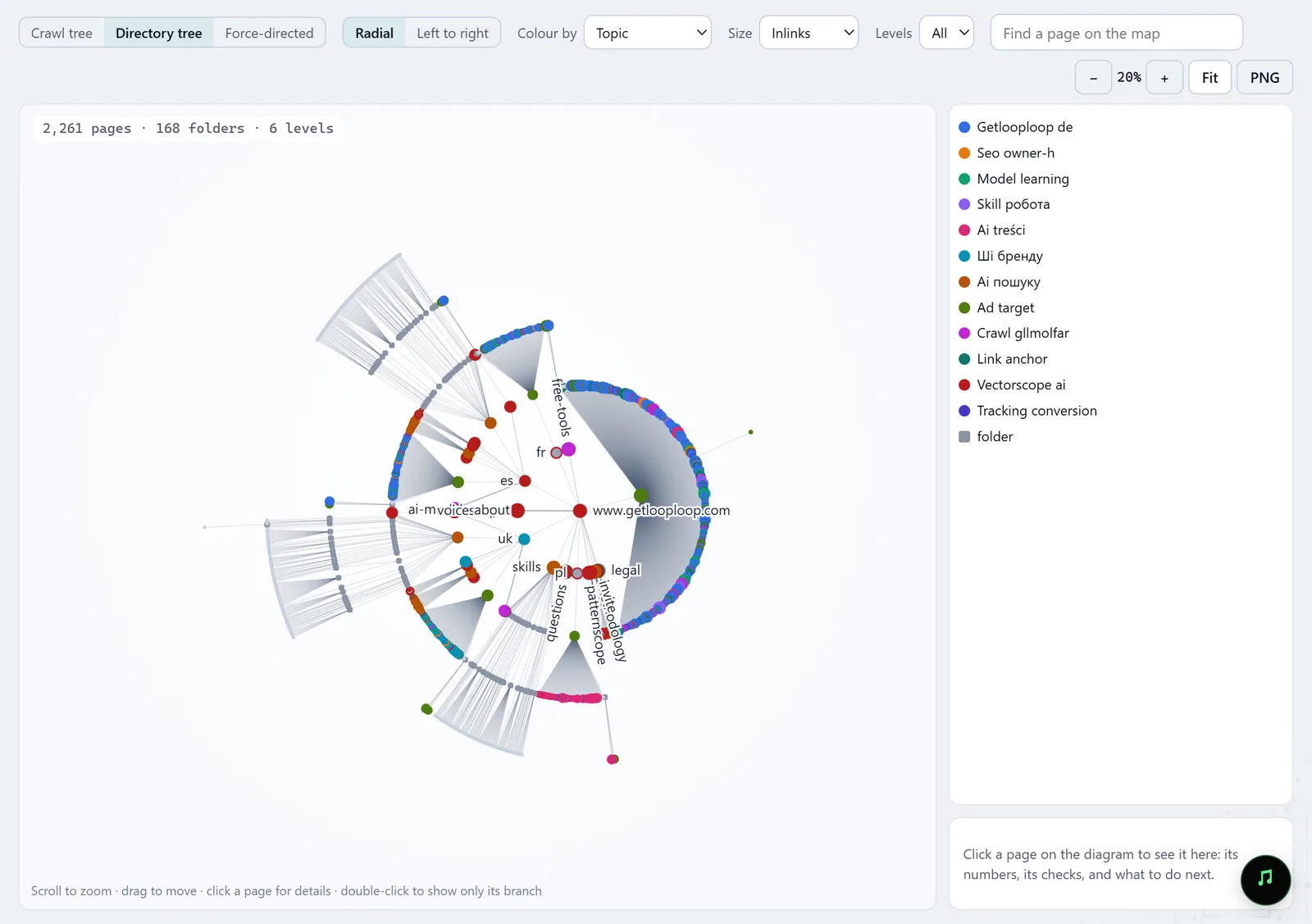
In the screenshot: Site structure Crawl staging behind a password
The new version can be crawled before launch: extra HTTP headers and a user name and password for Basic authentication in the request settings let Molfar into a staging site closed to public bots.
Settings · Requests — docs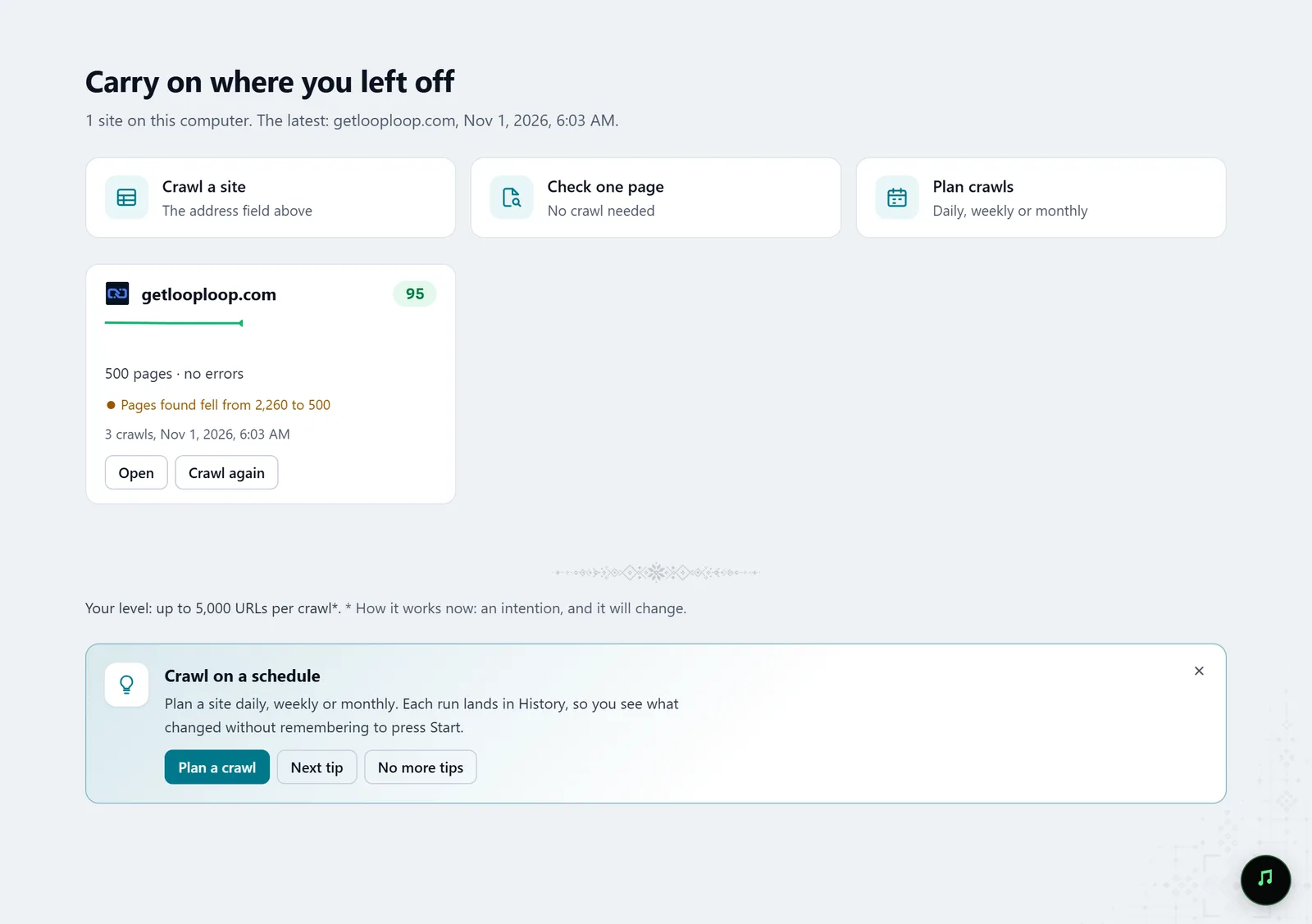
In the screenshot: Starting a crawl Check every redirect
The Redirects report lists redirecting URLs, and Issues lists internal links that still point at a redirect, with the page each one is on. URL audit breaks one address's redirect into hops, each with its status, down to the final address.
Redirects · URL audit — docs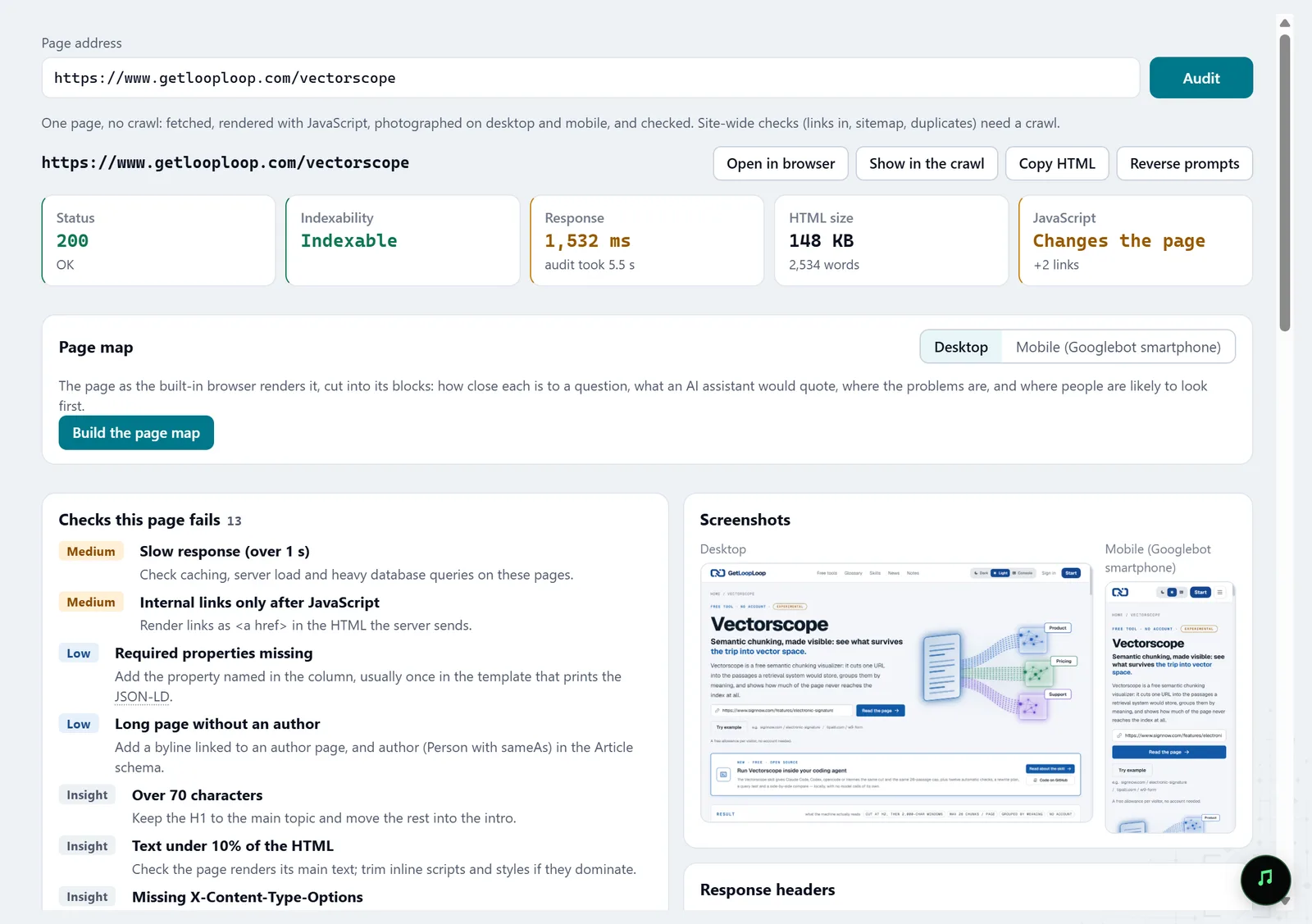
In the screenshot: URL audit Compare the site before and after
After launch, crawl again and in History pick the old crawl as A and the new one as B: Molfar compares them page by page and check by check.
History — docs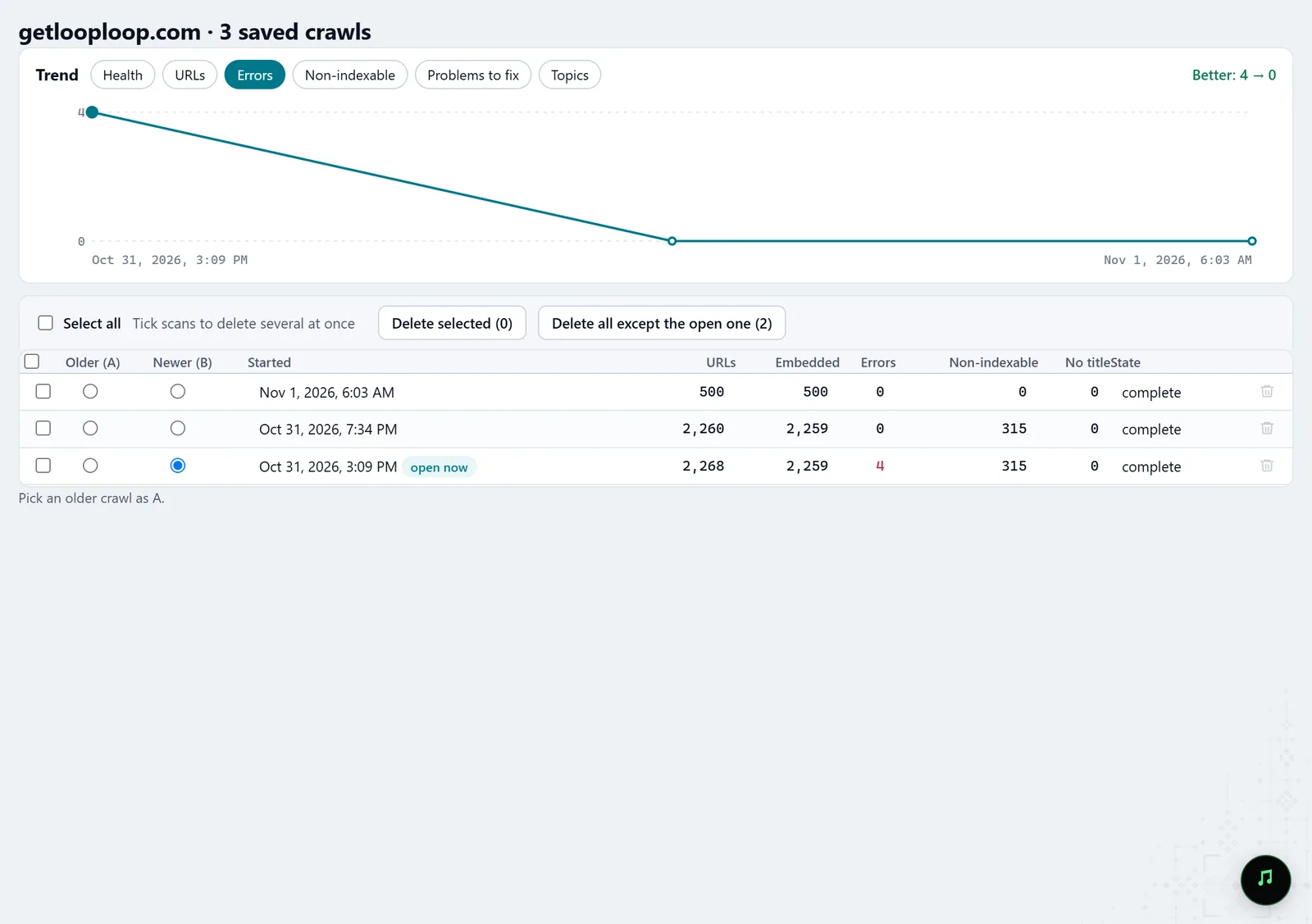
In the screenshot: Crawl history Watch indexing
GSC · Indexing shows Google's URL Inspection answer for each page: indexed or not and why, last crawl, the canonical Google chose, and keeps it on your computer.
GSC · Indexing — docs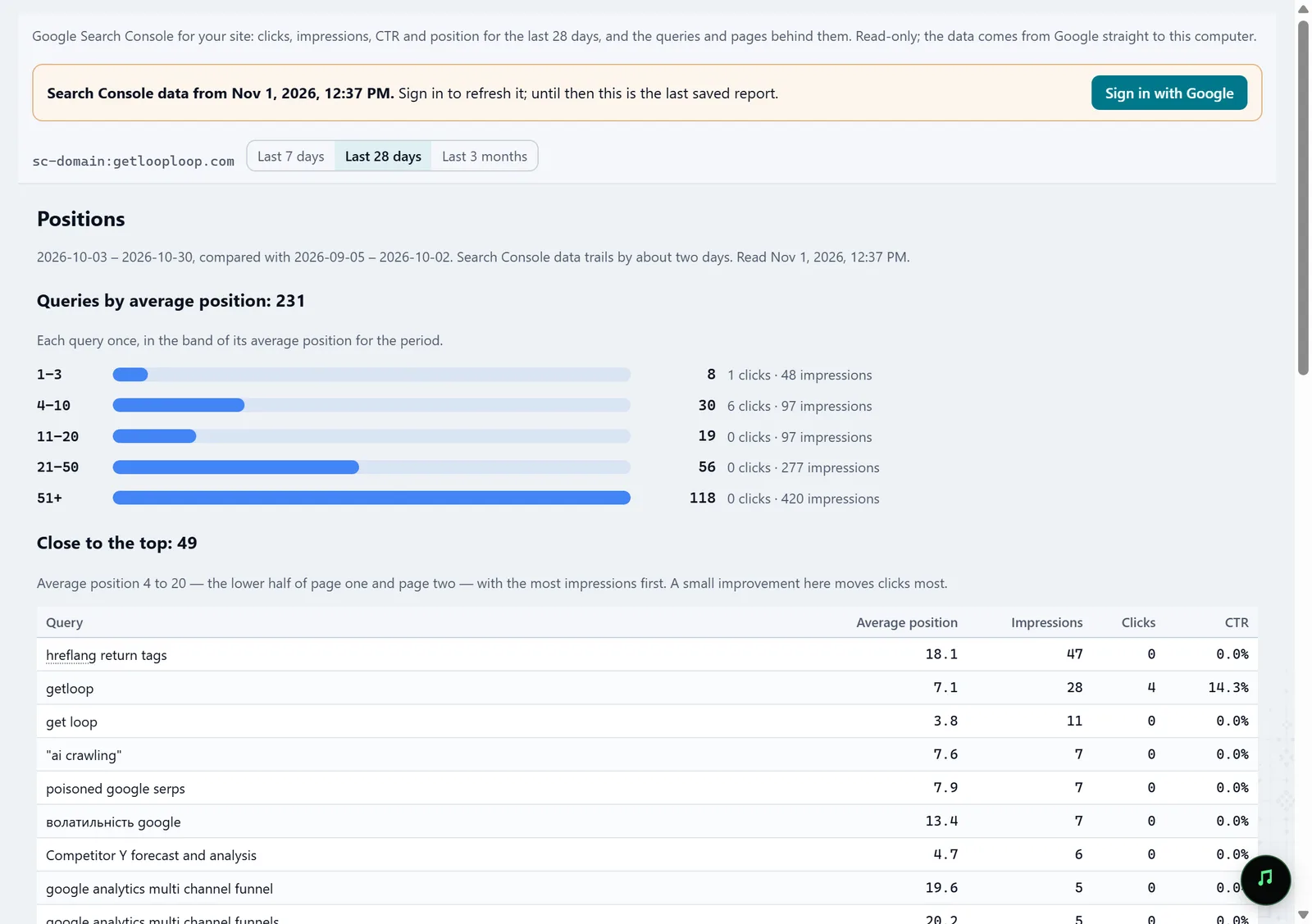
In the screenshot: Search Console Hand the routine to an agent
Over MCP, your AI agent starts crawls, reads fixes, audits pages and saves reports, with the models you connected yourself.
MCP — docs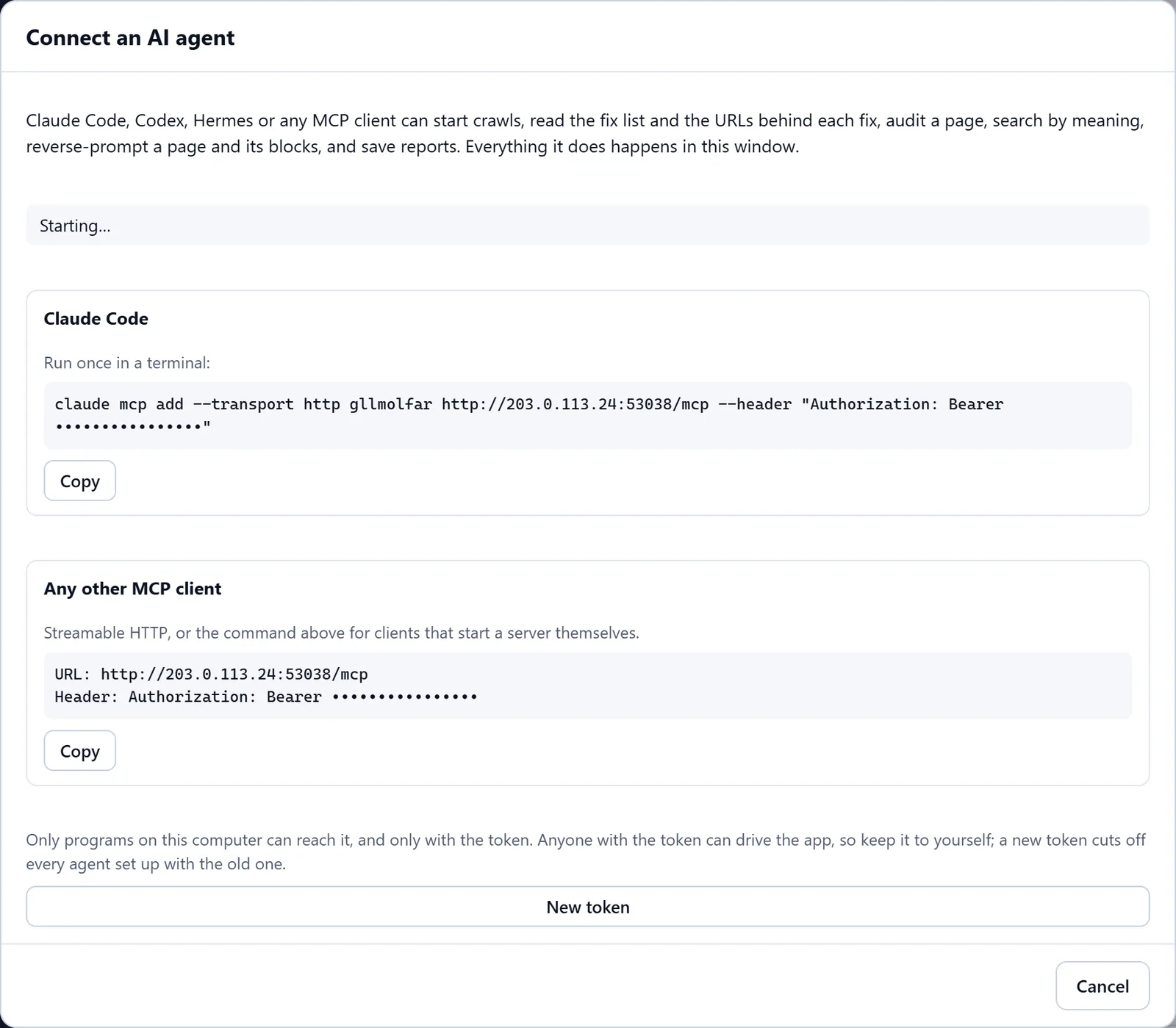
In the screenshot: Connecting an AI agent (MCP)
What you get
A checked redirect map
Every old URL with its final address, its redirect hops and the status of each.
Control after launch
A before-and-after comparison page by page, not in overall totals.
Data inside the perimeter
Crawls, pages and embeddings stay on the team's computers.
Good to know
- Molfar is a desktop app, not a server: each team member crawls on their own computer, and we do not promise shared access to crawls yet.
- A very large site needs time, memory and disk; the storage settings show how much room saved crawls take, and free it.
Questions
- Will this pass a security review?
- Crawls and results stay on the computer. The only things that go out are the update check and anonymous usage statistics, with no URLs or crawl data, and both switch off in Settings. A cloud model, if you connect one, sees only what you send it.
- Can we connect our own models?
- Yes. The AI models settings connect models on this computer, on your network or in a cloud.
- What about hreflang and several languages?
- The Hreflang column set and report collect every page's annotations, so you can read which language versions point to each other.