

All scenarios/ Enterprise
A crawler that keeps the data inside your perimeter
Security will not approve a cloud crawler: URLs, page text and the site's structure would sit on someone else's server. You need a tool you can describe honestly in a security questionnaire: what is stored, where, and exactly what leaves the computer.
- Who
- In-house SEO, IT security, the team that approves tools
- Site
- A corporate site and closed staging environments
- What hurts
- Cloud services fail the security review
- What you need
- An exact list of what goes out, and how to turn it off
Steps in Molfar
Know what leaves the computer
Settings › General has two switches: a check for a new version at start (a request to getlooploop.com) and anonymous statistics — a random install ID, app version, Windows version, language and how long the app is open, never URLs or crawl data. Both can be turned off.
Settings · General — docs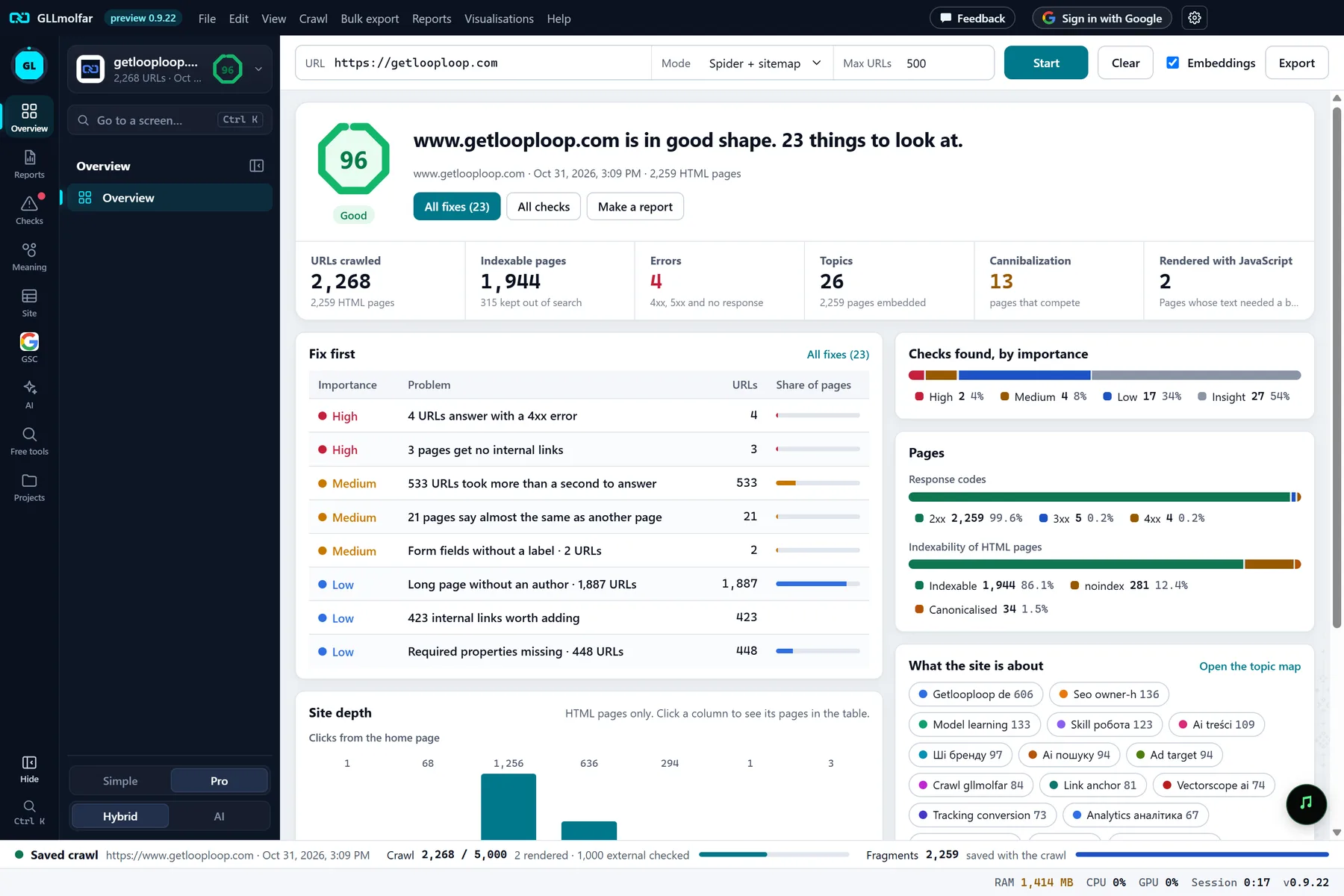
In the screenshot: Overview after a crawl Embeddings are computed locally
The model behind topics, cannibalization and semantic search downloads once and runs on your computer, on the CPU or the GPU as you choose.
Settings · Embeddings — docs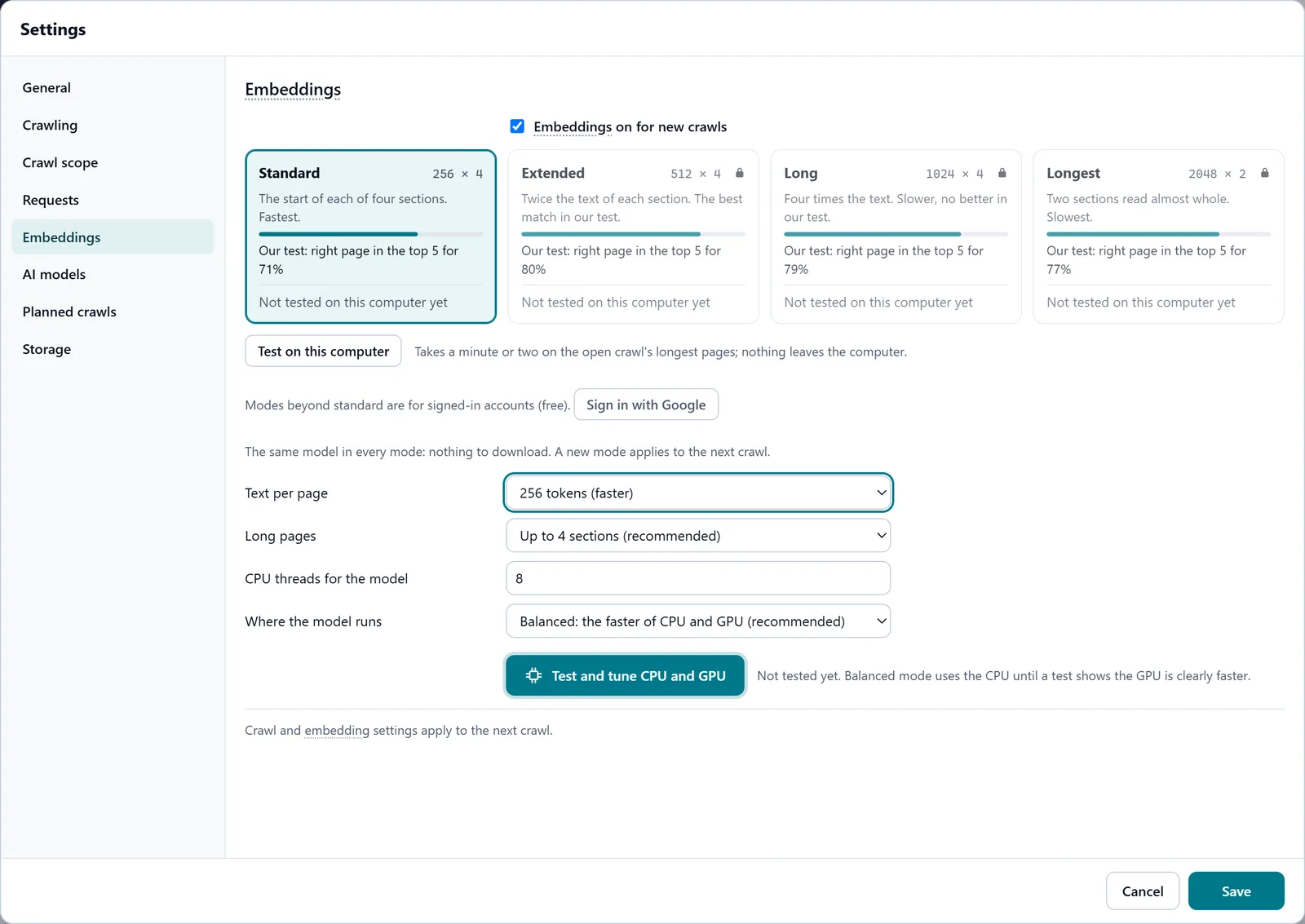
In the screenshot: Embeddings Connect only your own models
For written analyses Molfar uses the models you connect. A model on this computer or your network keeps page text here; a cloud provider receives the text an analysis sends it. Keys are encrypted on the computer.
Settings · AI models — docs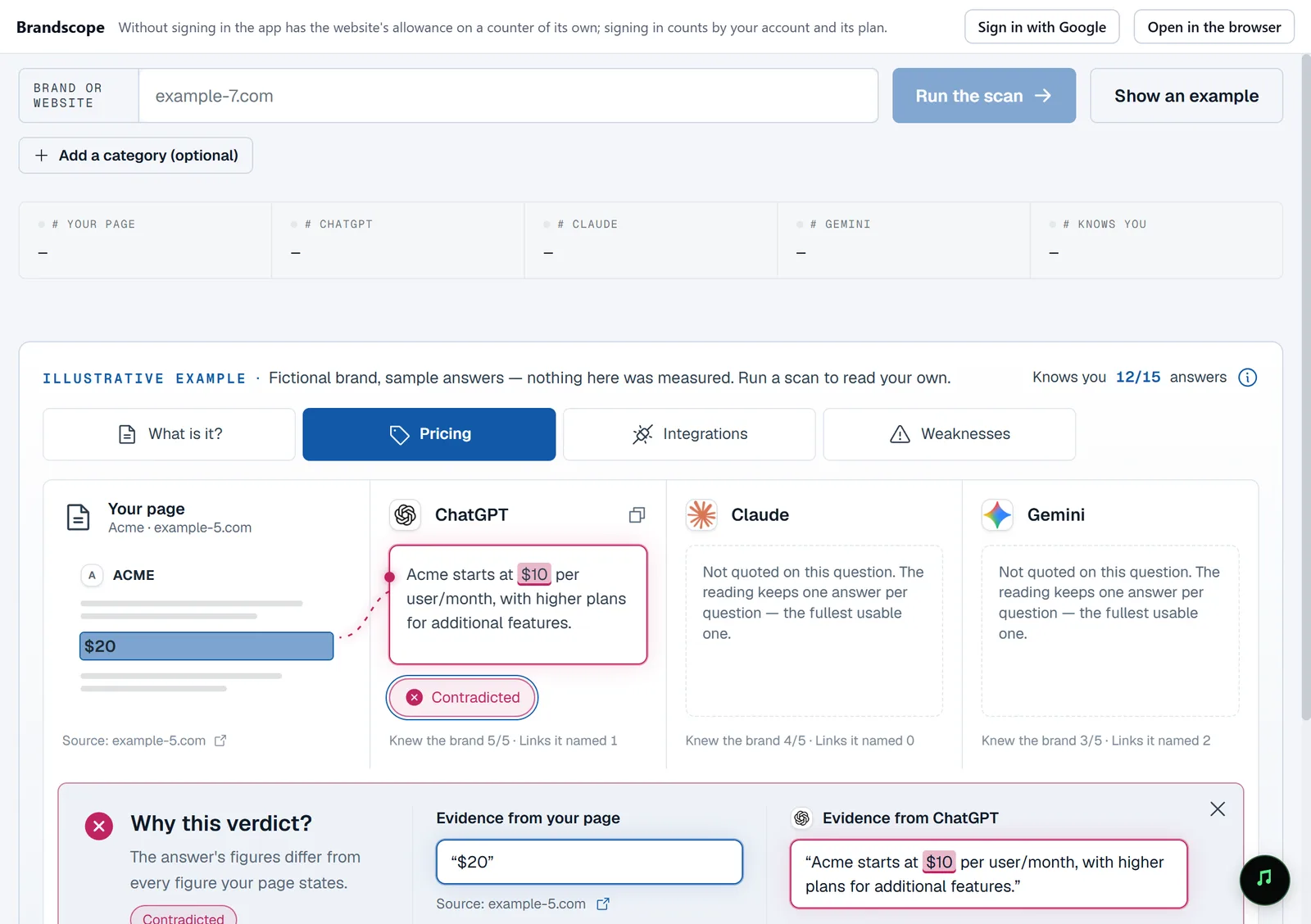
In the screenshot: Free tools Search Console stays with you
Search Console reports are read from Google and kept on your computer. Our server keeps only the encrypted access token, to renew it; signing out deletes the token.
GSC · Performance — docs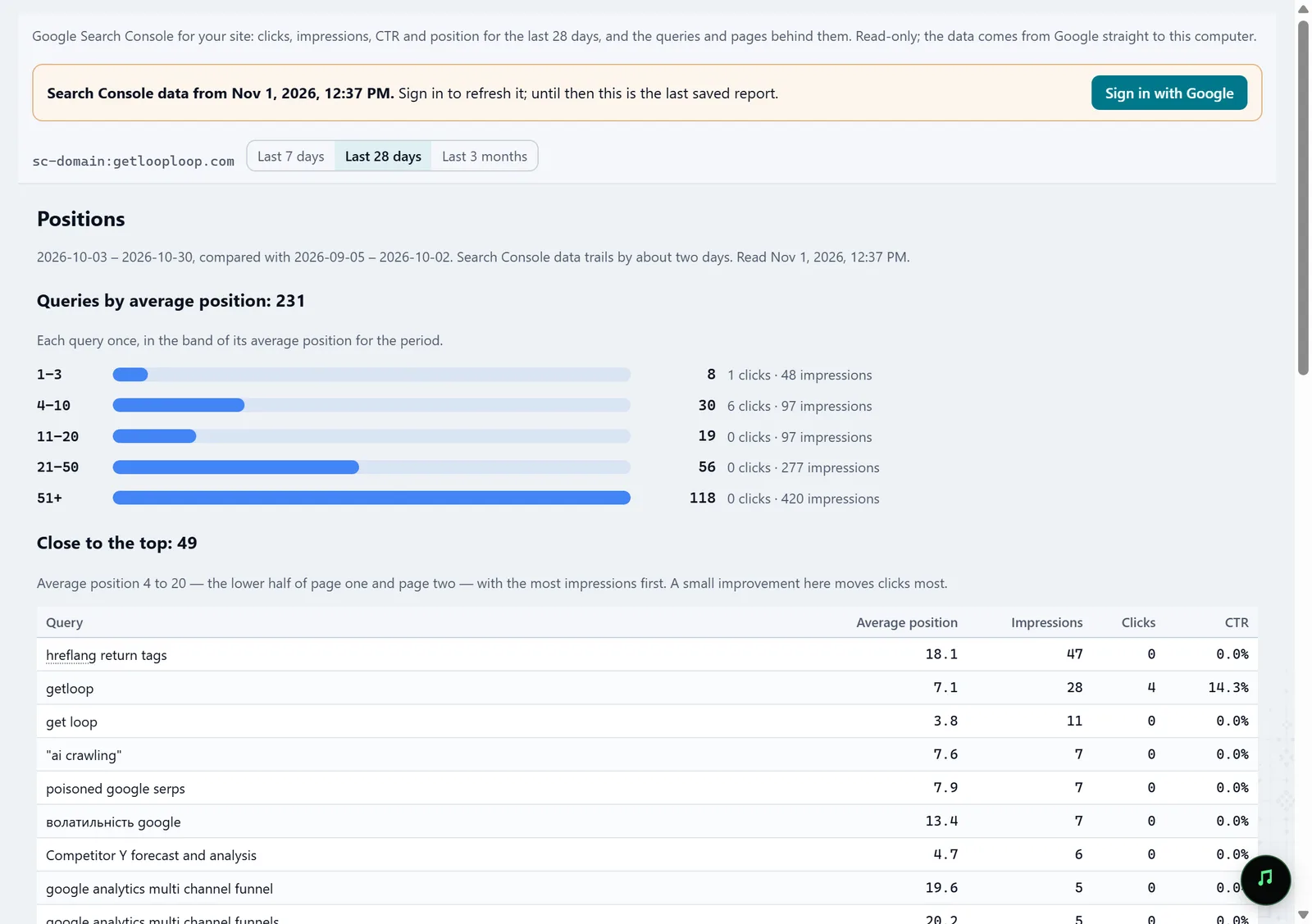
In the screenshot: Search Console Crawl closed staging sites
The user name and password for Basic authentication and any extra headers stay only in the settings file on this computer.
Settings · Requests — docs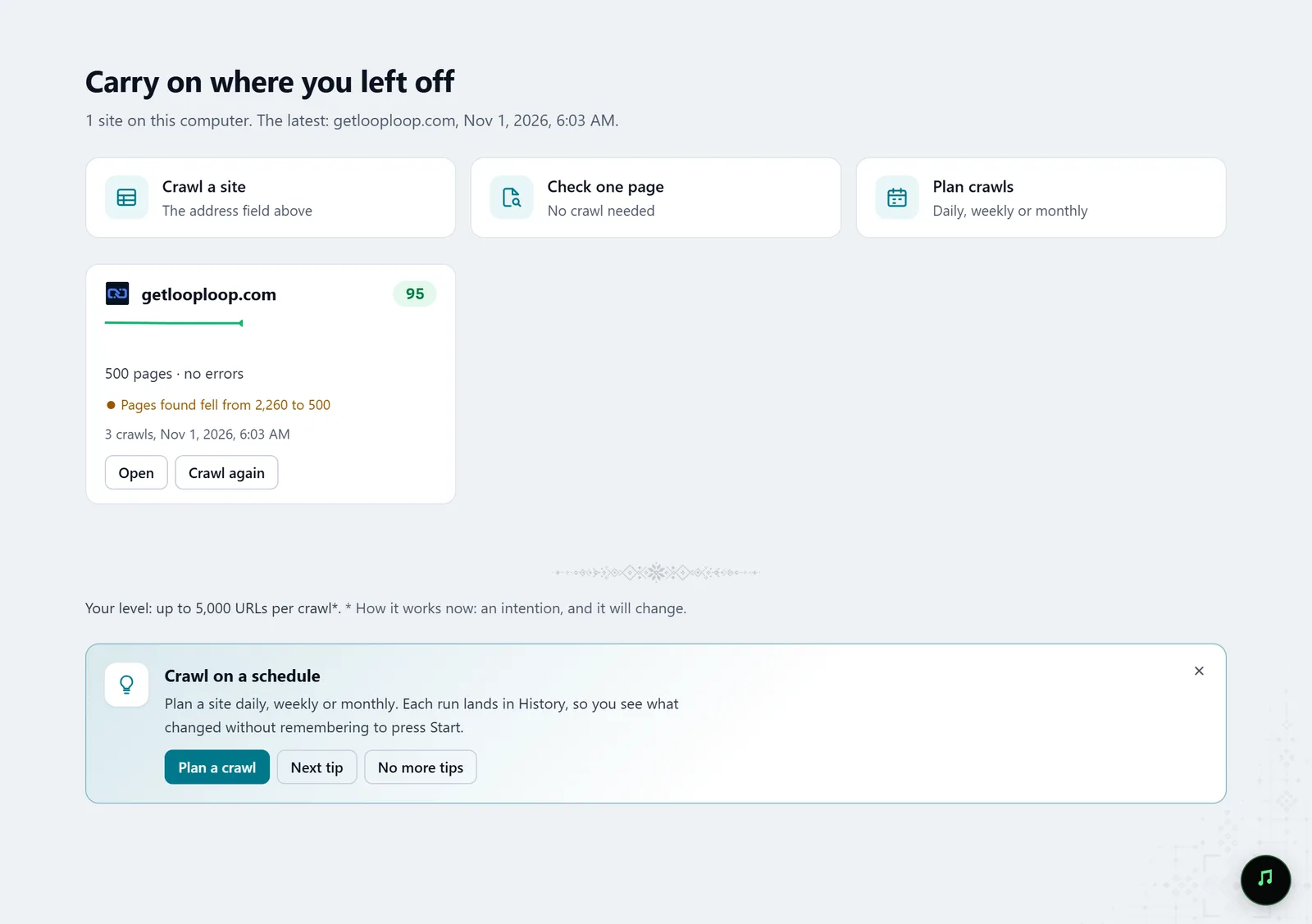
In the screenshot: Starting a crawl Control what is kept
Settings › Storage shows how much disk each project's crawls take, and deletes older crawls or their saved HTML, or compacts the database.
Settings · Storage — docs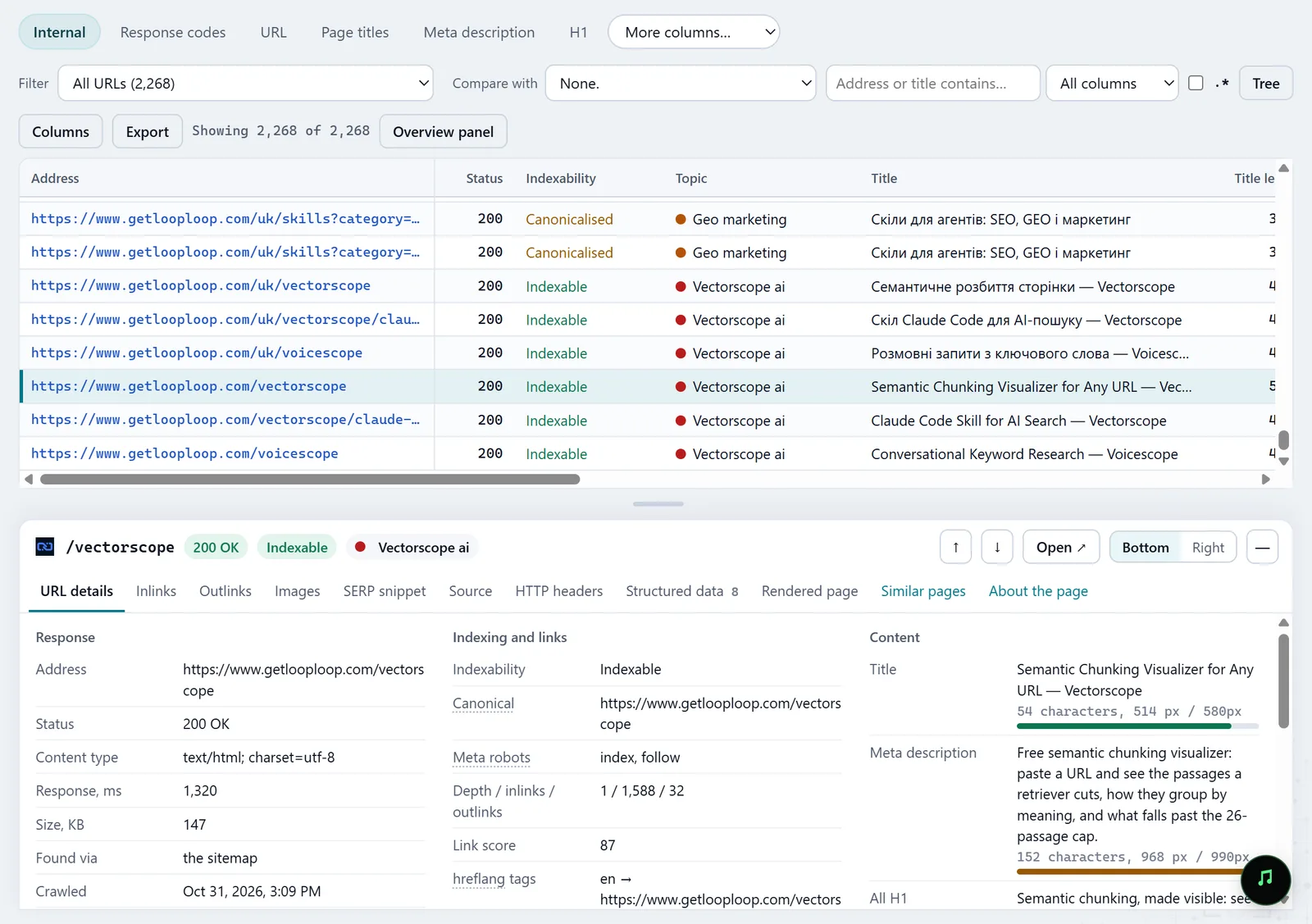
In the screenshot: All pages table with the inspector
What you get
Answers for the security questionnaire
What is stored locally, what leaves and when, and how to turn it off.
Local analysis
Crawls, pages, embeddings and Search Console reports on the team's computers.
Your own models
Models on the computer or your network for the written analyses.
Good to know
- A bug report in Feedback can carry the diagnostic log: counts and errors only, no addresses, domains or page text, and it leaves the computer only with that report. The box can be unticked.
- The free tools inside Molfar run on getlooploop.com: the text or address you put into them goes to our server. Exporting to Google Sheets creates a spreadsheet in your Google Drive.
- The crawler itself, of course, sends requests to the site you crawl.
Questions
- Can we work without an account?
- Crawling, yes. Signing in is needed for Search Console and Google Sheets, and signed out the free tools run on an allowance of the app's own.
- Where is the data?
- In the app's data folder on this computer: the crawl database, the embedding model and the settings. Storage opens it in the file manager.
- Does GetLoopLoop see the URLs we crawl?
- No: usage statistics carry no URLs or crawl data. An address reaches us only if you type it into a free tool yourself.