

Search Console: Positions
Describes GLLmolfar 0.9.22current release 0.9.23 · checked 1 Nov 2026
Where the site's queries stand in Google: every query once, in the band of its average position, and the list of queries close to the top, the ones on the lower half of page one and on page two.
- Where
- GSC › Positions
- Mode
- Simple and Pro
- Built from
- The queries of the saved Search Console report
- Changes
- With the period, and on Refresh
On the screen
Under the shared head (property, period, saved-report line: see Performance), two blocks: the bands, then the queries close to the top.
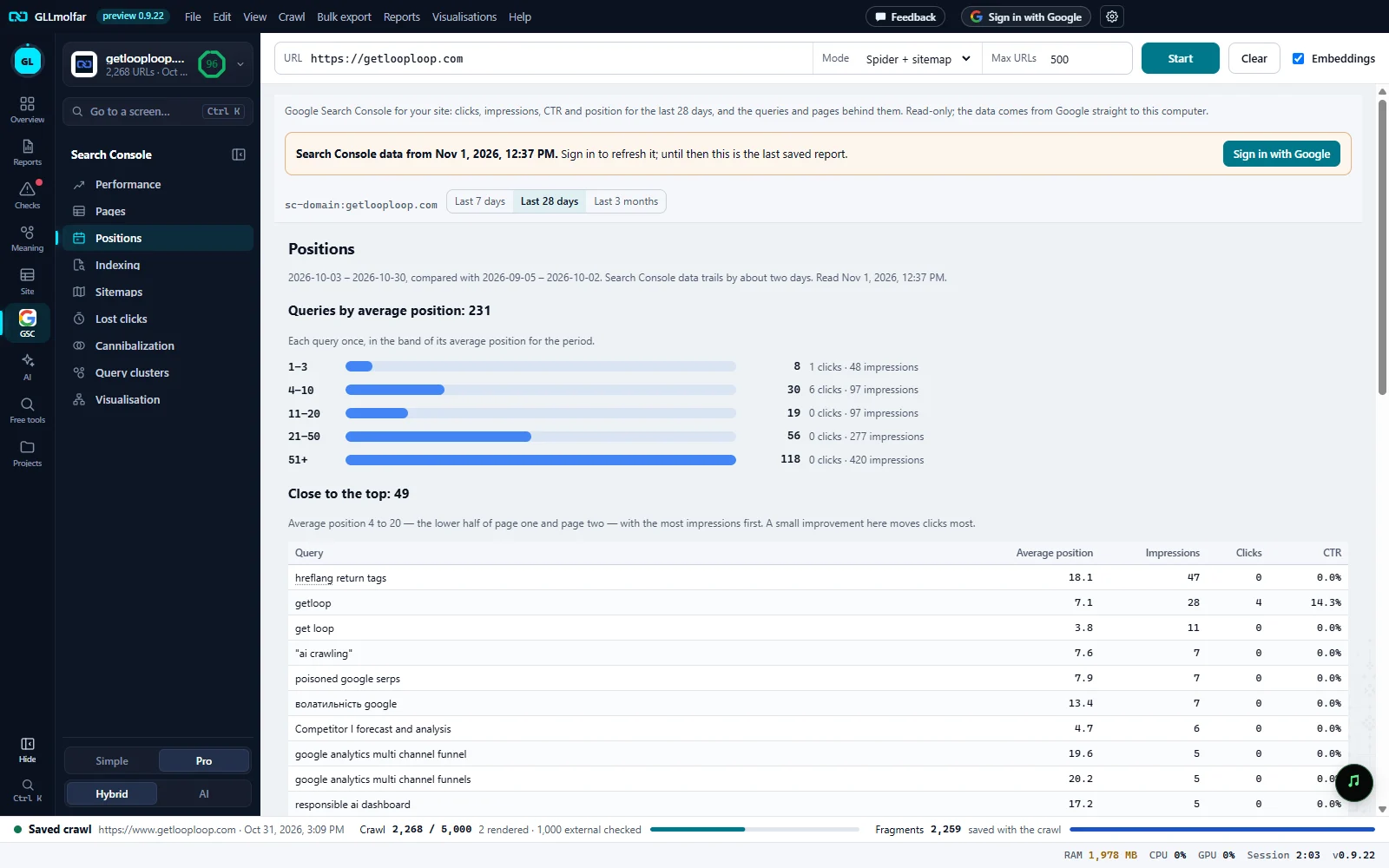
Period. The dates against the period before, and when the report was read.
Queries by average position. How many queries the period has. Each query once, in the band of its average position.
Bands. 1–3, 4–10, 11–20, 21–50, 51+, each bar as long as its number of queries against the largest band.
Band figures. The queries in the band, and their clicks and impressions together.
Close to the top. Queries with an average position from 4 to 20, most impressions first.
The list. Query, Average position, Impressions, Clicks, CTR.
The two blocks
| Block | What it shows |
|---|---|
| Queries by average position: {n} | Every query of the period in one of five bands, by its average position. Beside each bar: the number of queries, then {clicks} clicks · {imp} impressions. |
| Close to the top: {n} | “Average position 4 to 20 — the lower half of page one and page two — with the most impressions first. A small improvement here moves clicks most.” Up to 100 queries. |
The bands are counted from the queries Search Console lists; queries Google keeps private are not among them. The same five bands are drawn on a log scale in Visualisation.
States and messages
No query sits between positions 4 and 20 in this period.
Shown in place of the list.